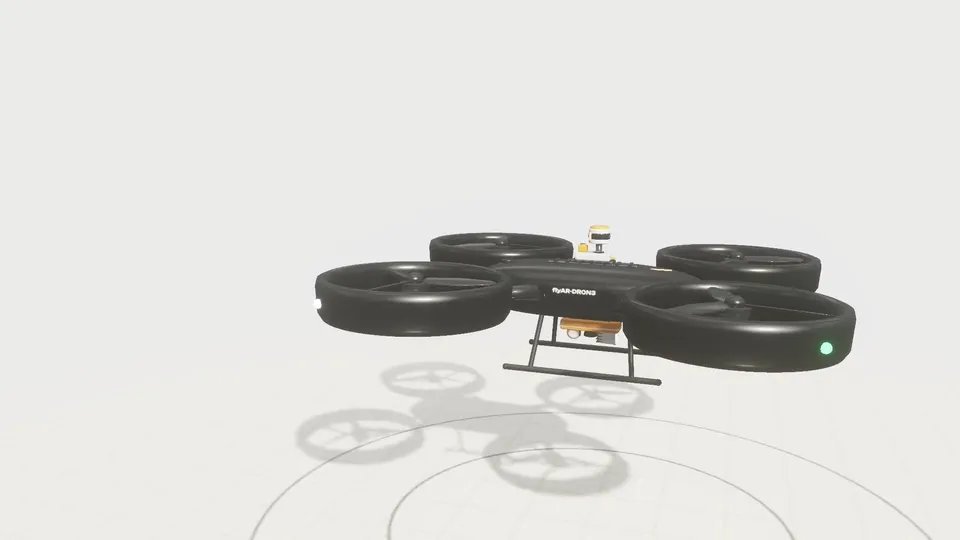
flyAR-DR0N3 · interactive product configurator
Choose modules, materials and finishes. Explore the structure and place your configuration in AR on a compatible phone.
Try the demo
Sixty-plus shipped projects since 2012. Filter by the kind of problem you need to explain, or browse the full archive. Below the cases: how we run a project, and how to tell if AR or browser-based 3D is the right call.
Choose modules, materials and finishes. Explore the structure and place your configuration in AR on a compatible phone.
Try the demo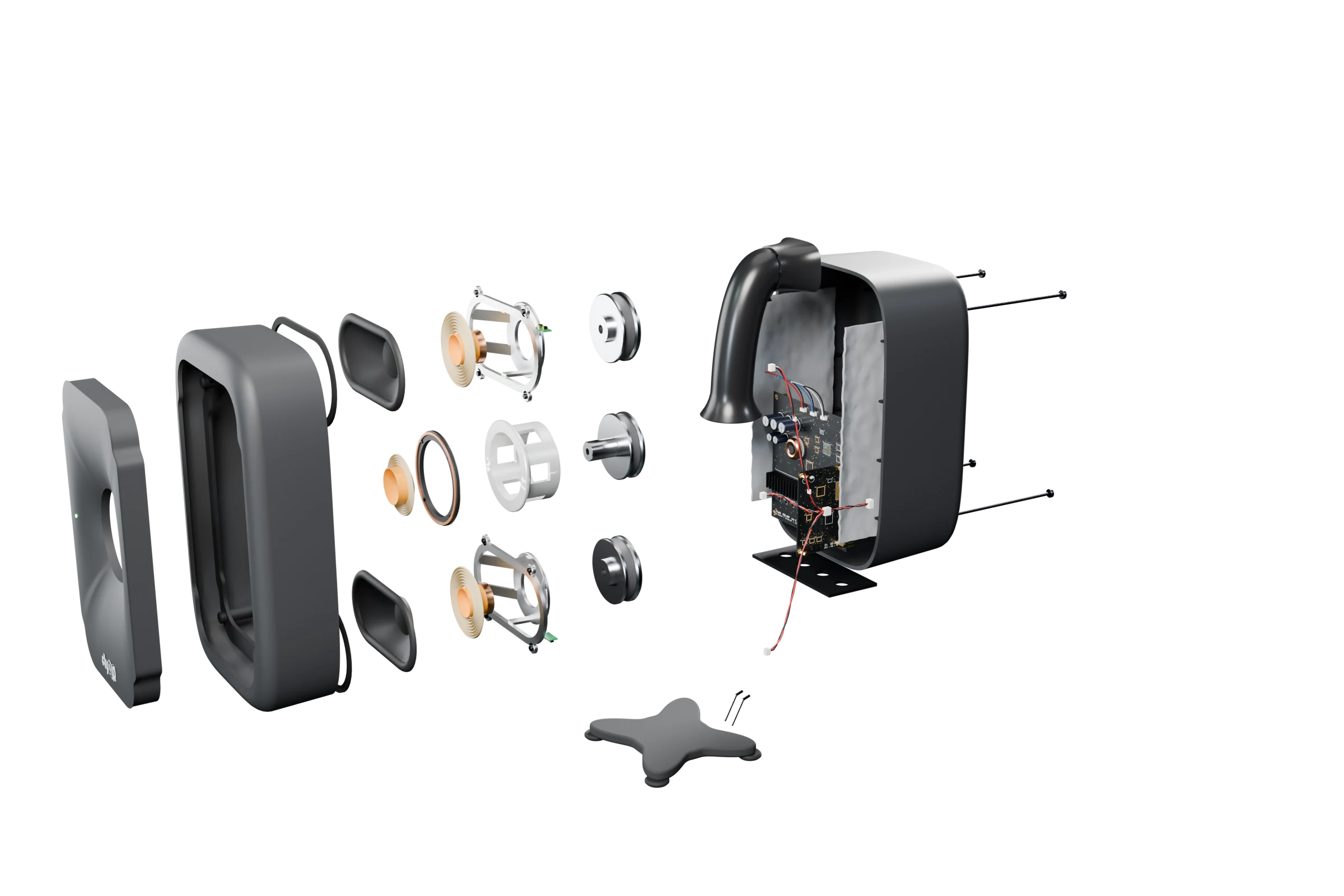
2026
A three-way studio monitor you can take apart in the browser, explore part by part, change the finish of, and place at real size in your room.
Open the full case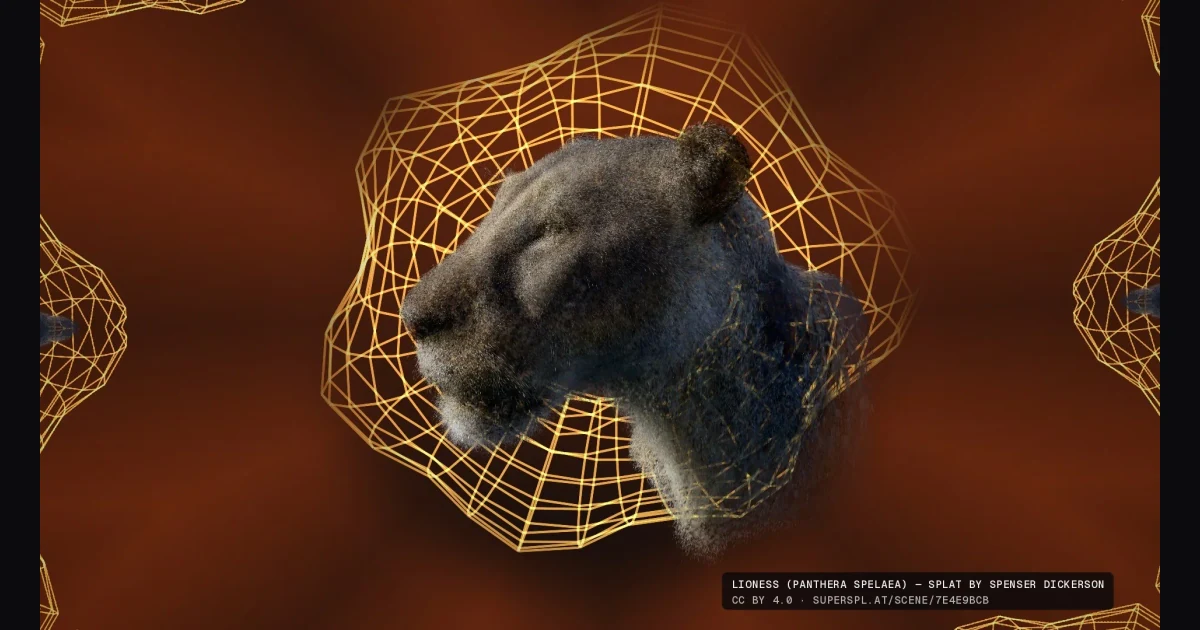
Splatsonia is an open beta for making 3D Gaussian splats react to music in your browser. Load a .ply or .sog splat and drive more than 50 effects.
Open the full case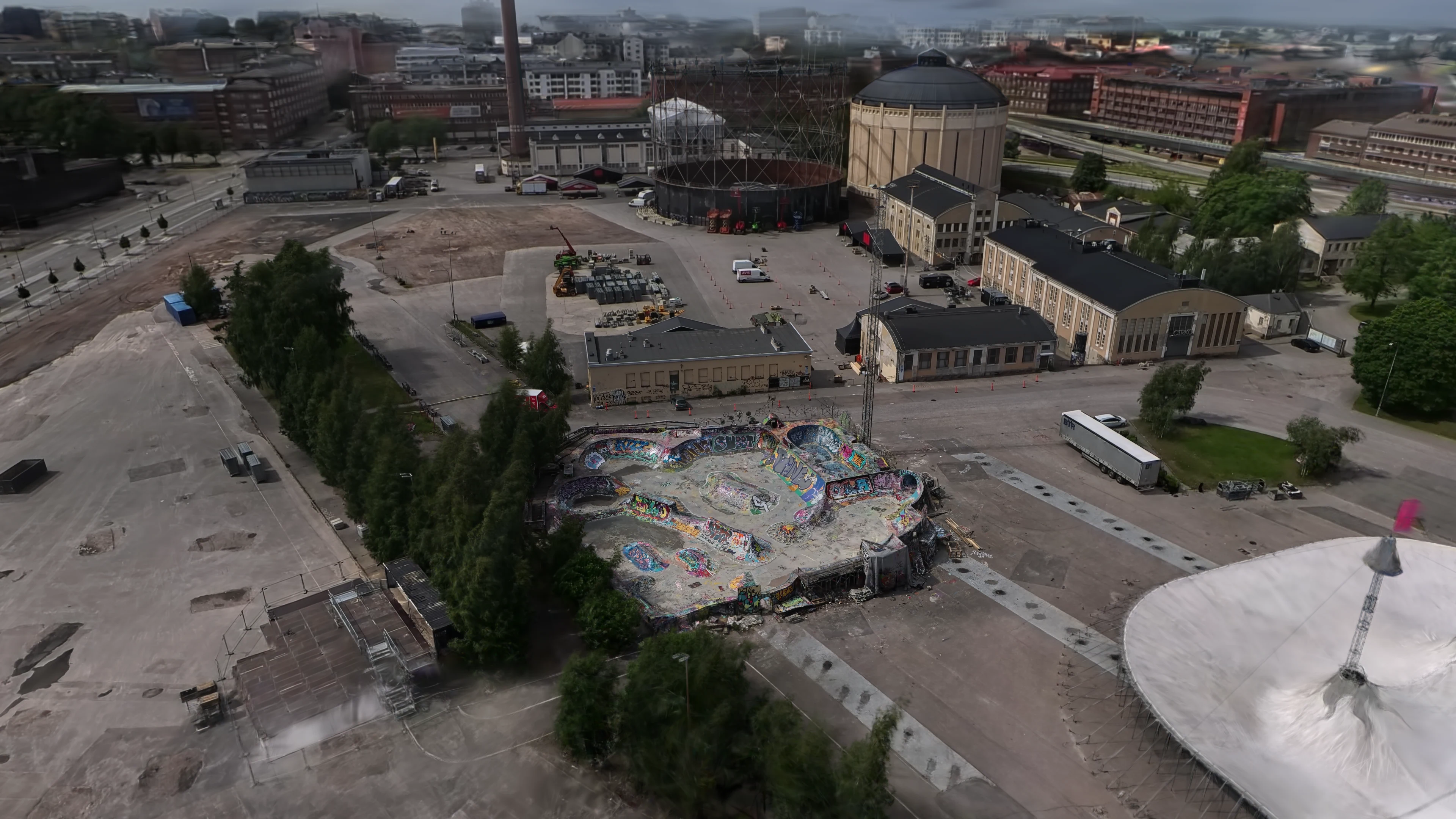
2026
A drone-aided Gaussian splat of legendary Suvilahti DIY in Helsinki. The 3DGS model placed third in Project ETERNAL, a global 3D Gaussian splatting challenge by Antigravity, Insta360, and Splatica.
Open the full case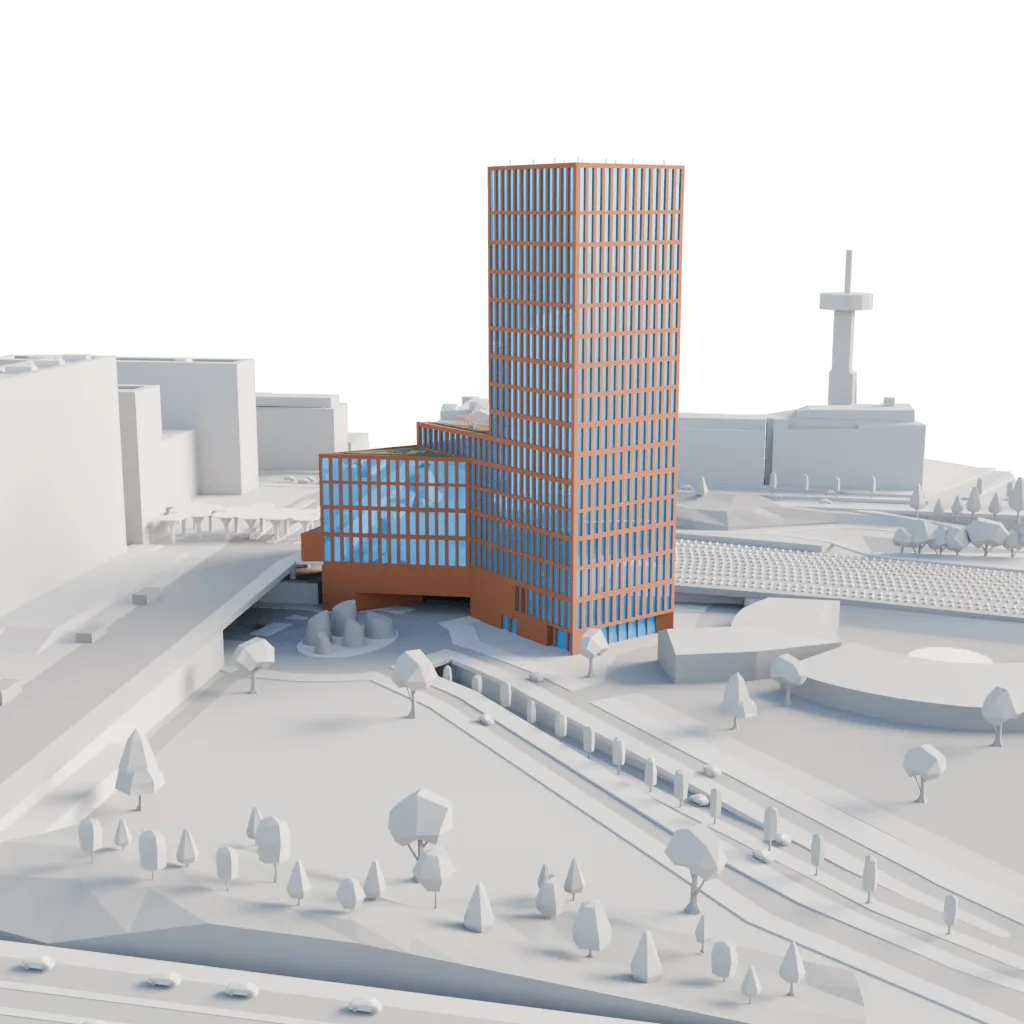
2024-2026
Elisa is the future main tenant of The Node, a Helsinki skyscraper still under construction. With PunaMusta Coloro we built an app-free AR layer for the physical scale model at Elisa HQ, plus a web 3D version for internal communications.
Open the full case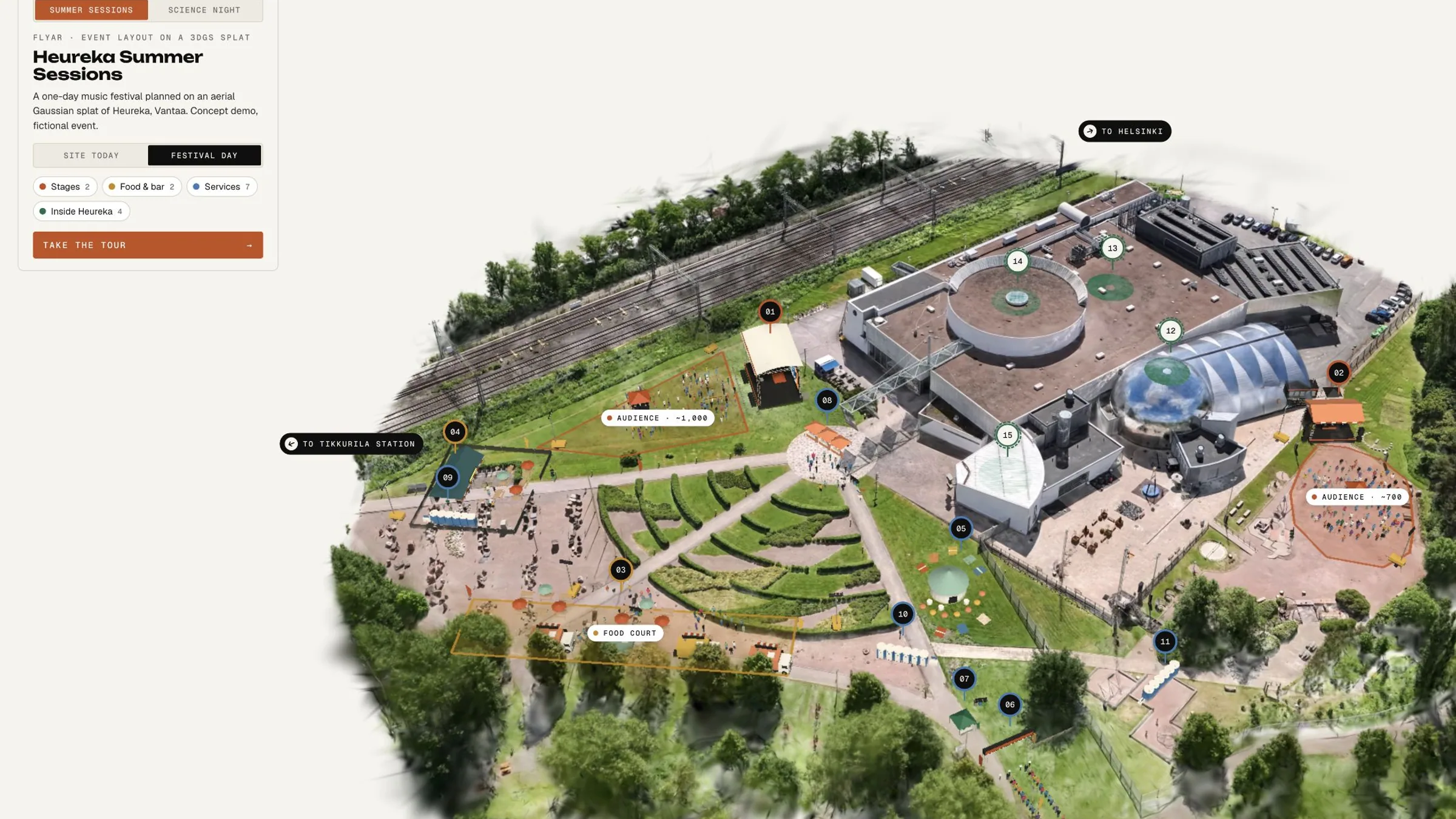
2026
A drone scan of Heureka, the Finnish Science Centre in Vantaa, turned into one interactive 3D scene. The venue can show and explain the whole site. Event organisers can plan stages, food, services and crowds on the real ground, then publish the same scene as the public event map.
Open the full case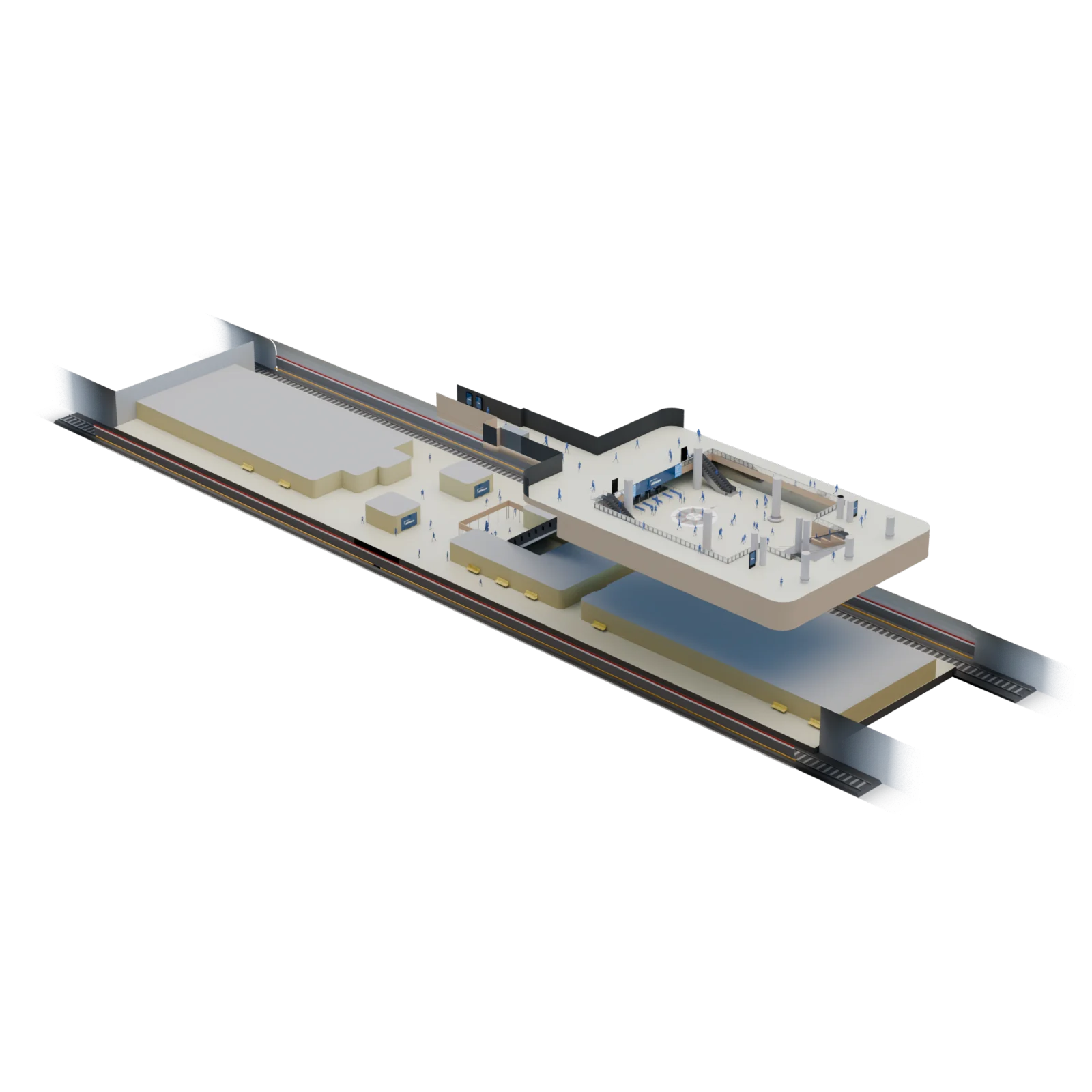
2026
JCDecaux's Helsinki metro inventory is dozens of digital signage screens across multiple stations, sizes, and aspect ratios. We built an online interactive 3D platform of three stations so the sales team and clients can see the network at once, then move to eye-level for any single placement.
Open the full case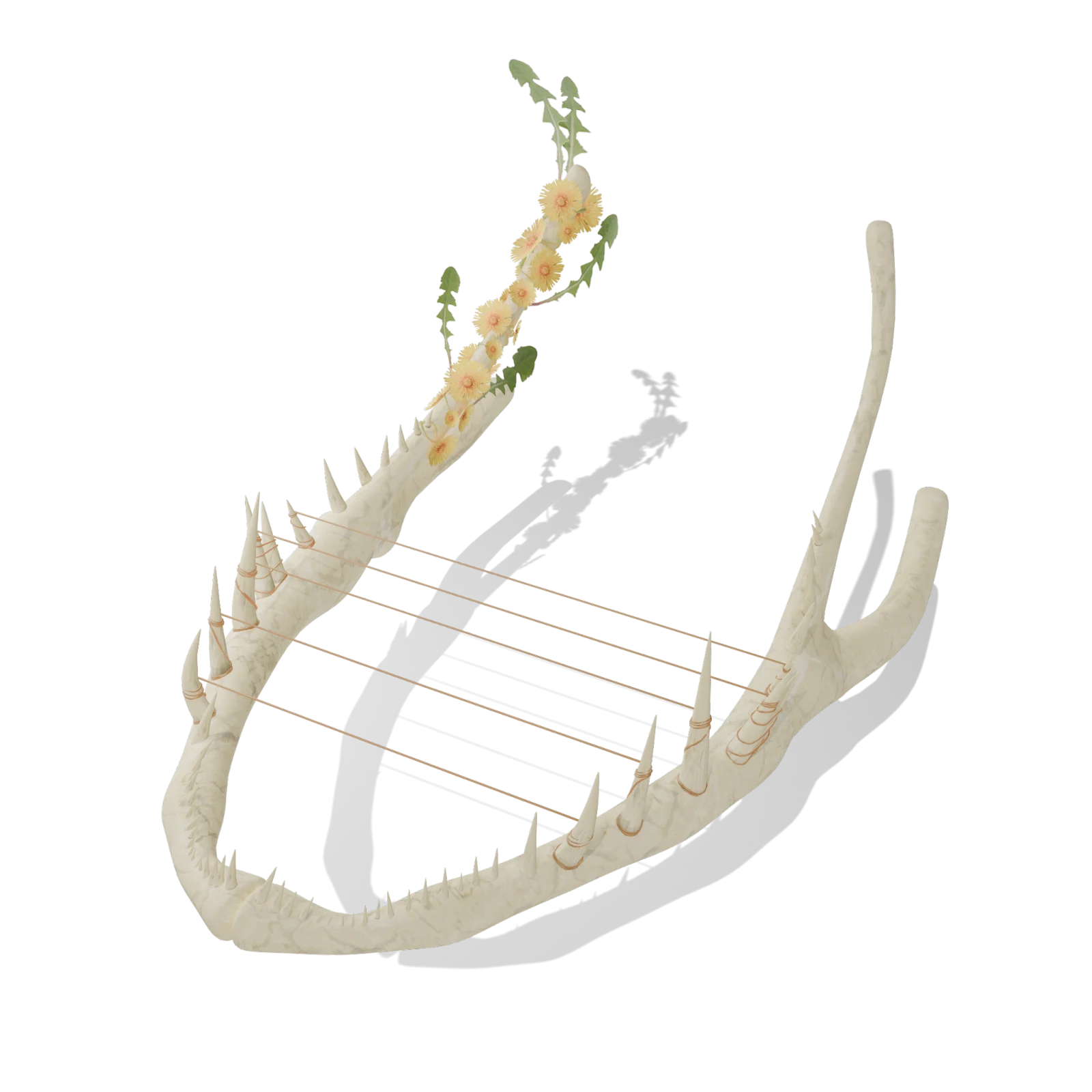
2025
PIKES needed a Karelian and Kalevala WebAR trail through the Nurmes area. We won the public tender, then delivered five connected experiences along the route, opened from QR points on laser-cut metal signs, in Finnish and English.
Open the full caseOne sentence is enough to start. The first call is free and we tell you directly whether AR or online 3D is the right call.
Five steps from "we have a hard-to-explain thing" to a link your audience can open. Most projects ship in 4 to 10 weeks; the curve is set by asset readiness, not by engineering.
You bring the situation, not a brief. We tell you our honest opinion about whether AR, interactive 3D, a combination of these or something completely different is the right call, and where the real cost sits. If we're wrong for the work, we'll say so and possibly give you some ideas of where to take your idea.
We send a one-page scope: what you'll get, what you provide, the milestones, the fixed price. No engineering bill of materials. If your assets aren't ready, we tell you what production work has to happen first and what parts of it we can handle in-house.
We optimize what you have, fill the gaps (3D modeling and animation work, photogrammetry etc.), and set up a sandbox URL you can open on a phone. Real device, real network, right from the start.
Two to three structured reviews, a few async passes in between. You will have test material after our meetings so anyone in your team can see the progress even if they missed the meeting. You sign off when the experience does what you said it had to.
Final URLs and QR codes, embed snippet for your site (depending on project scope), and a short brief for the people who will be using it in action. We hold the link warm until the end of the calendar year; longer hosting or additional work are scoped separately.
Five signals we look for. If three or more apply, browser AR usually pays for itself in fewer questions, faster decisions, or fewer site visits. If none apply, a render or video is probably enough.
Future buildings, planned routes, products before launch. AR closes the imagination gap; flat renders ask viewers to do that work themselves.
The buyer, resident, or visitor needs to feel scale, context, or fit. A model on the table loses what's only obvious in situ.
Many stakeholders, distributed, on different devices. Anyone with a link is in; app installs lose 80% before first use.
"Can I see it from the south?" "How tall is it really?" "Where's the entrance?" An interactive view answers these without a slide deck.
Faster approvals. Higher reservation rate. Clearer feedback before pour. If success is just "looks impressive," AR is overkill. A hero render or 30-second video is cheaper.
Some work stays internal. Ask for sector references on a call or browse service lanes.
AppsFlyer's 2025 benchmark across 28 billion installs puts Day-1 retention at around 25%. AR apps sit below that floor, because every reviewer is a single-use case, not a habit. WebAR removes the funnel. The link that opened the experience the first time still opens it the second.
Source: AppsFlyer 2025 · Adjust 2026
Read what installs cost an AR campaign