WebXR
Taking Splatsonia into VR and mixed reality with WebXR
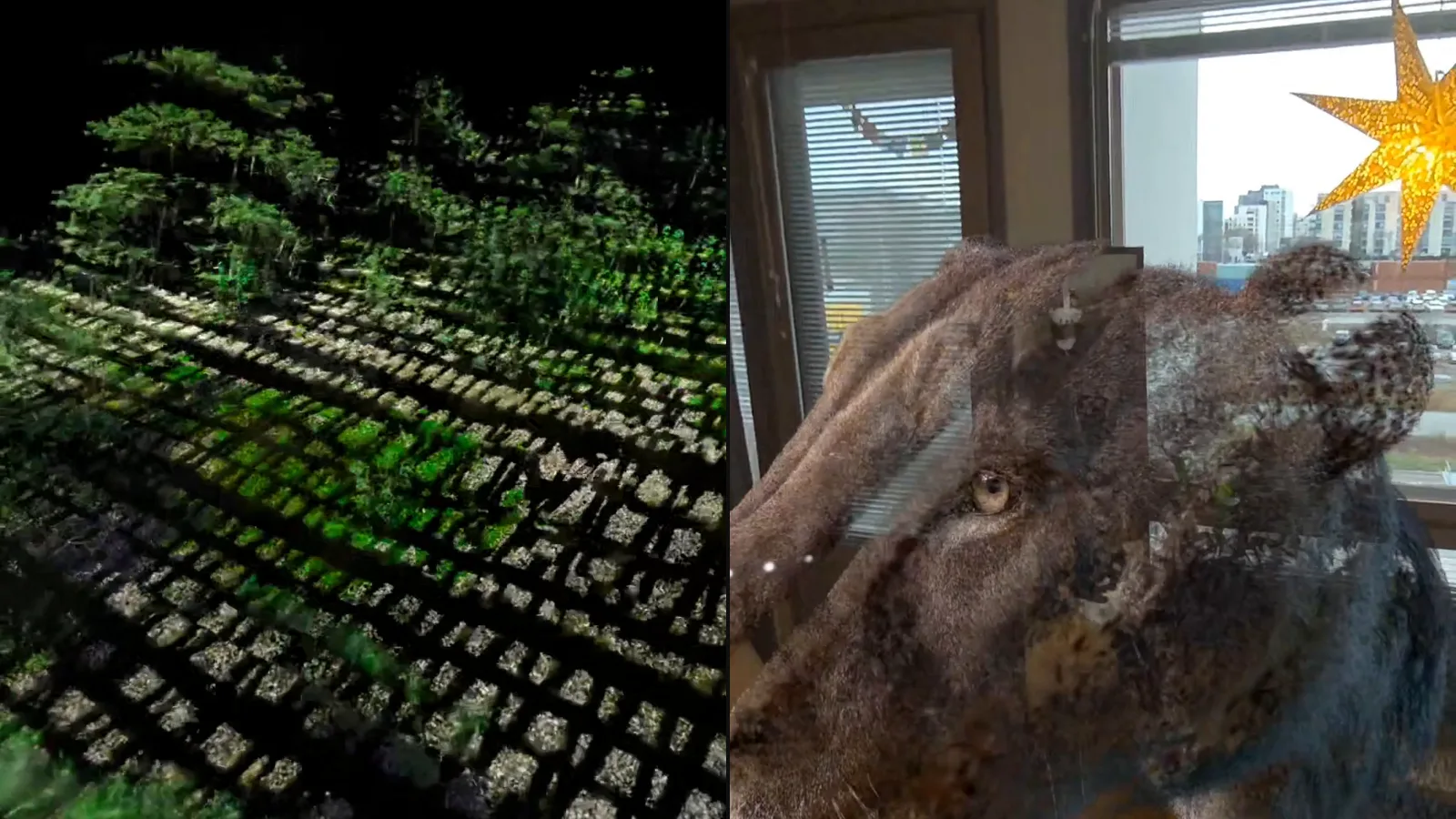
Splatsonia started on a desktop screen. Then I wanted to stand inside the scan while the music played.
WebXR let us add VR and mixed reality to the same PlayCanvas project. We didn't need a separate headset app, but we did need to rethink the controls. The desktop panel had far too many sliders to put in front of someone's face.
First, what is WebXR?
WebXR is a set of browser APIs for VR and AR on supported devices. There are two modes that matter here:
immersive-vr: you're fully inside the 3D world.immersive-ar: the 3D content is drawn on top of the real world. On a Quest 3 that's colour passthrough, so the scan floats in your actual living room. That's what people usually call mixed reality (MR).
Open a link in a supported headset browser and choose "Enter VR" or "Enter MR", accepting the required permissions. Meta Quest Browser supports both session modes and hand tracking. We still check the device and browser rather than assuming every headset has the same features.
Where we started
If you missed it, Splatsonia started as a late-night experiment: a free browser tool where Gaussian splats (basically 3D photographs of real places) react to music. The origin story is here. It's built on PlayCanvas, an open-source web engine with native Gaussian splat support, and it ran on desktop browsers.
Then the obvious question came up: what if you could stand inside the scan while the music plays?
Why PlayCanvas made this easier
A few reasons we stuck with PlayCanvas instead of rebuilding for the headset:
- Splats are first class. The engine renders Gaussian splats natively, and PlayCanvas's SOG format reduces download sizes compared with uncompressed PLY. The amount depends on the scan and export settings. That matters a lot when a headset has to download the scene over Wi-Fi.
- WebXR is built in. The engine provides APIs for XR sessions, controllers and hand joints on supported hardware.
- Shared project. We keep the desktop and headset versions together instead of maintaining separate apps. Changes still need testing in each mode.
For client work, sharing the model and content is useful. The interaction work doesn't disappear, but we don't have to make the scene twice.
What actually had to change
Most of our changes were to the controls and effects rather than the scene itself.
Input: mouse → touch → controllers → bare hands
On desktop you have a mouse, keyboard and a big settings panel. In the headset there's none of that. We went for bare-hand tracking first, controllers second.
The menu moved to your wrist
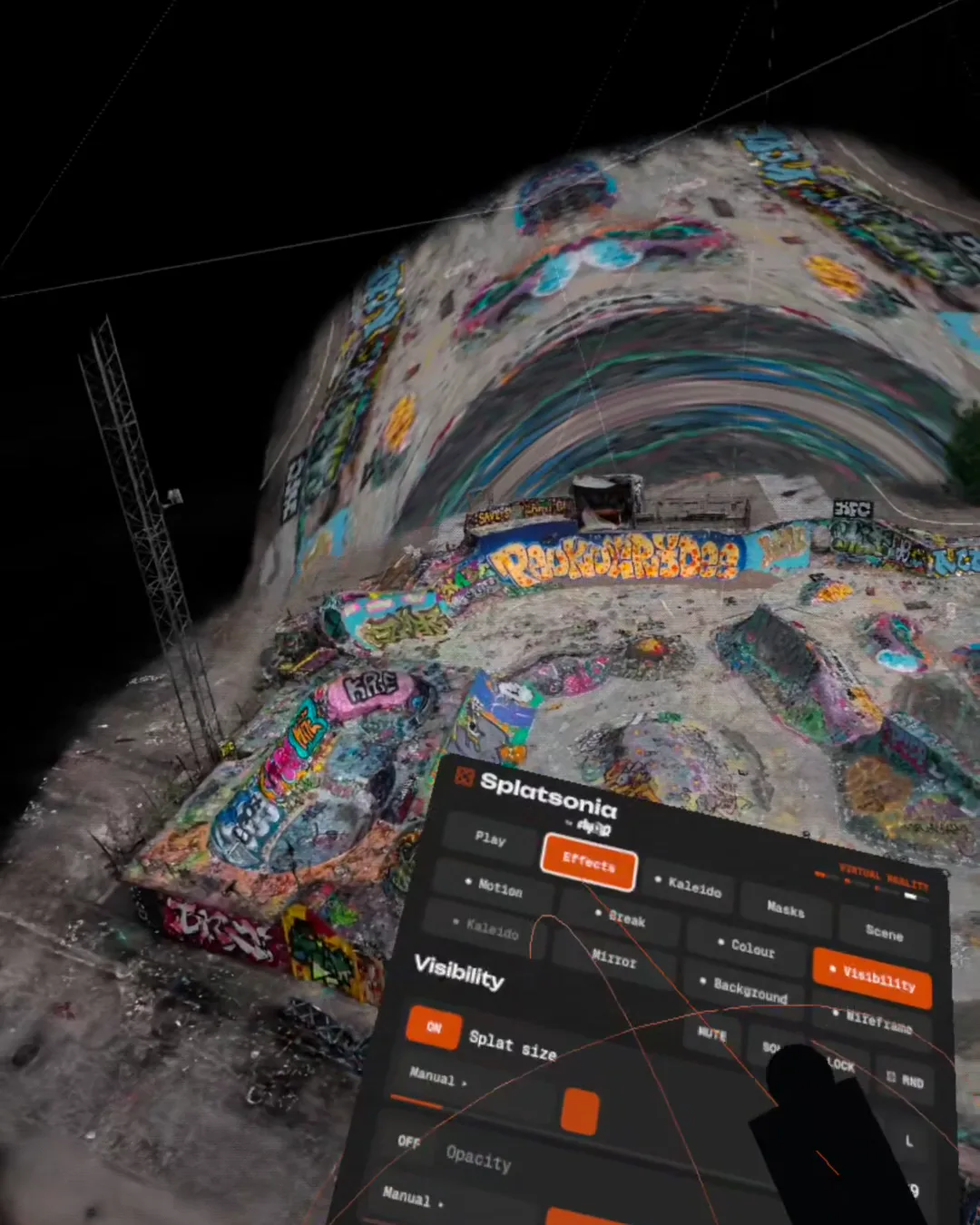
The desktop panel has dozens of sliders. In VR that would be a wall of UI floating in your face, so we moved the essentials to a small menu that appears when you turn your wrist. Tap a few things, flick your hand away, back to the music.
Hands became the main effect
This is my favourite bit. A glowing sphere sits between your hands. Inside the sphere the scan can explode, disappear or turn into a kaleidoscope, and outside it stays real. Pull your hands apart and the sphere grows. In mixed reality it looks like you're holding a piece of another place.
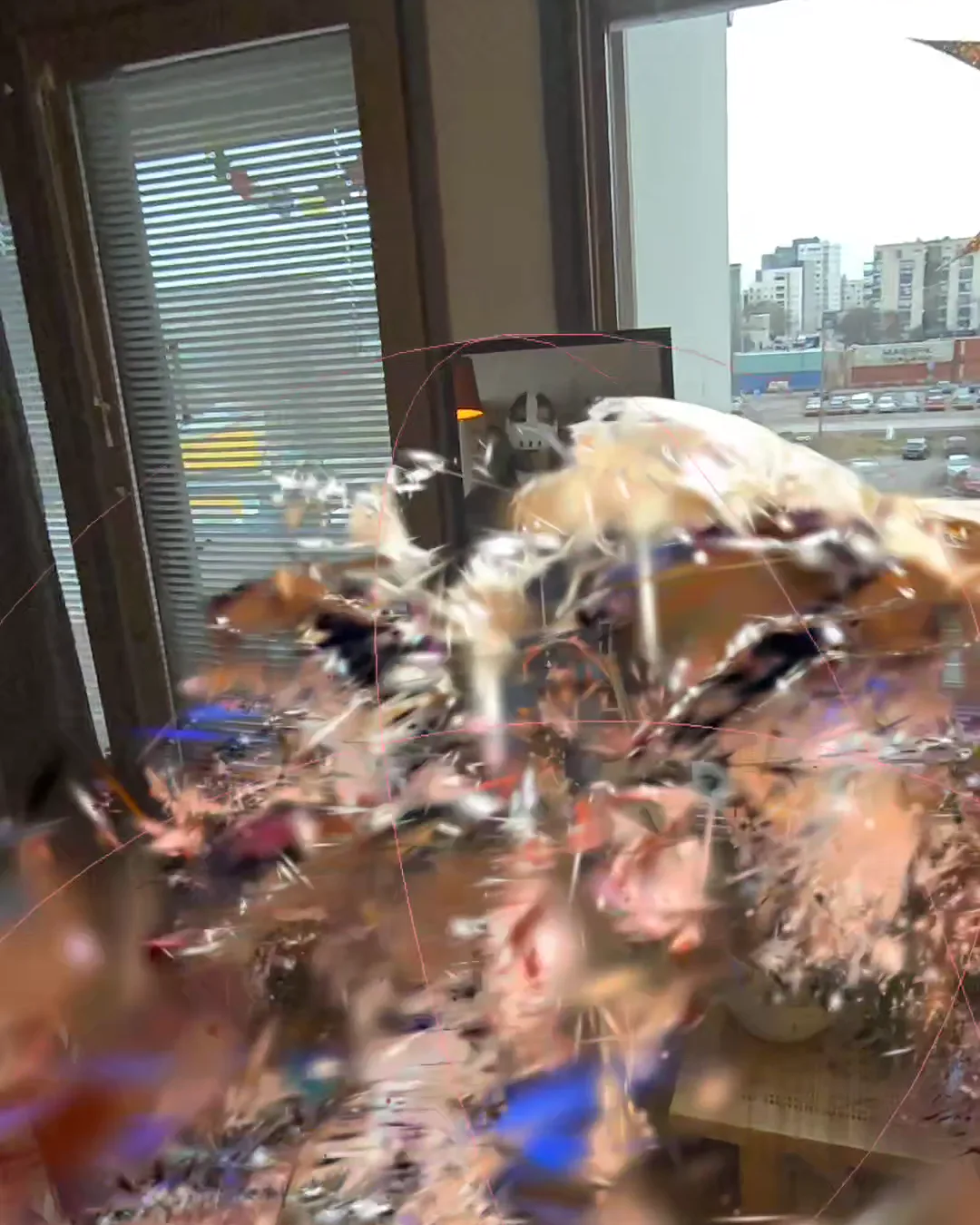
Yes, that's my own head. Scanning yourself is the fastest way to get a test subject that never complains.
Effects had to become real 3D
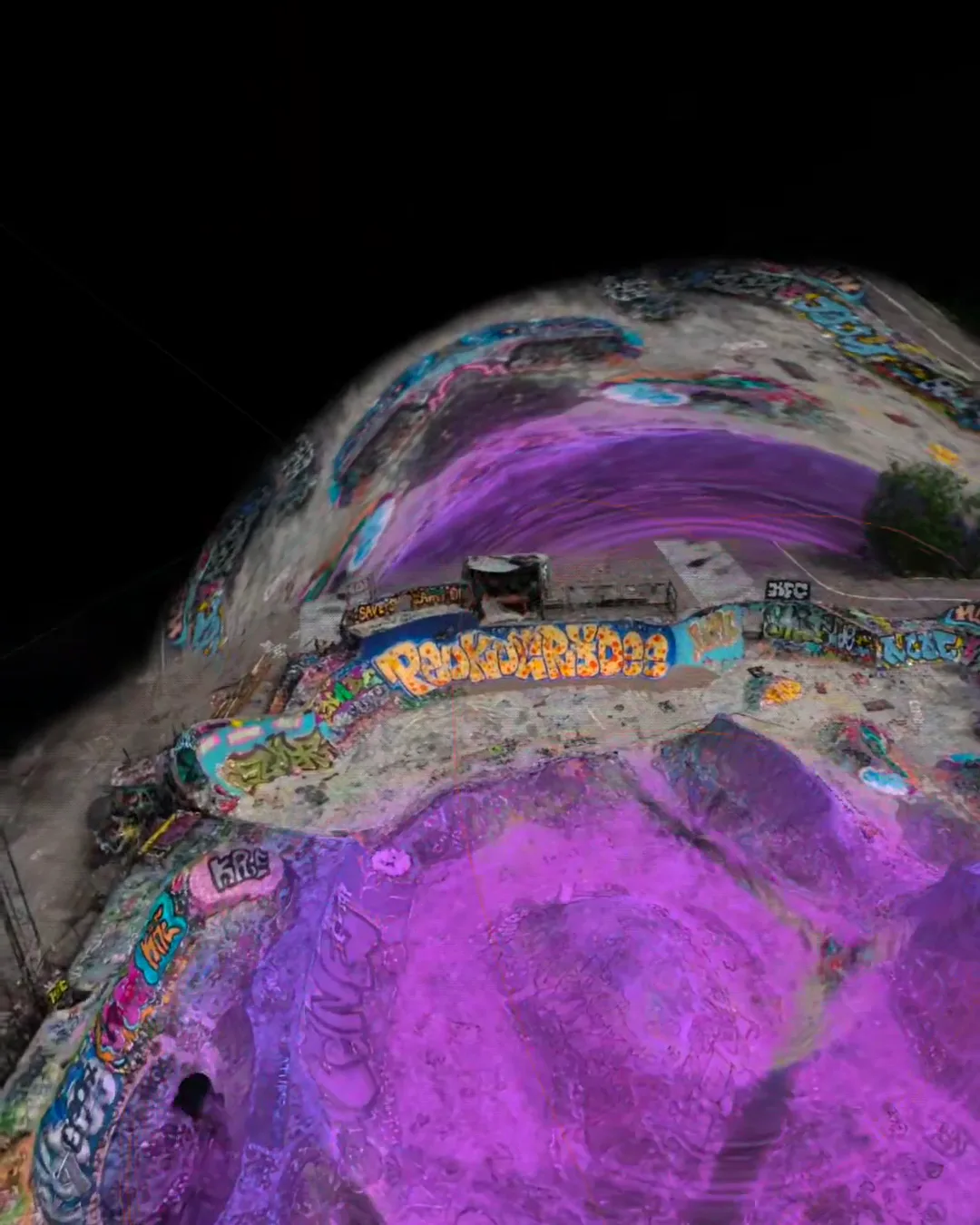
On a flat screen you can cheat with screen-space filters. In a headset you can't, because you walk around the thing. So the kaleidoscope folds the actual scan into mirrored 3D slices, and there's a dome mode that wraps it around you like a planetarium. Clapping your hands randomises the current effect group, which is silly and works great on a beat.
VR and MR are almost the same code
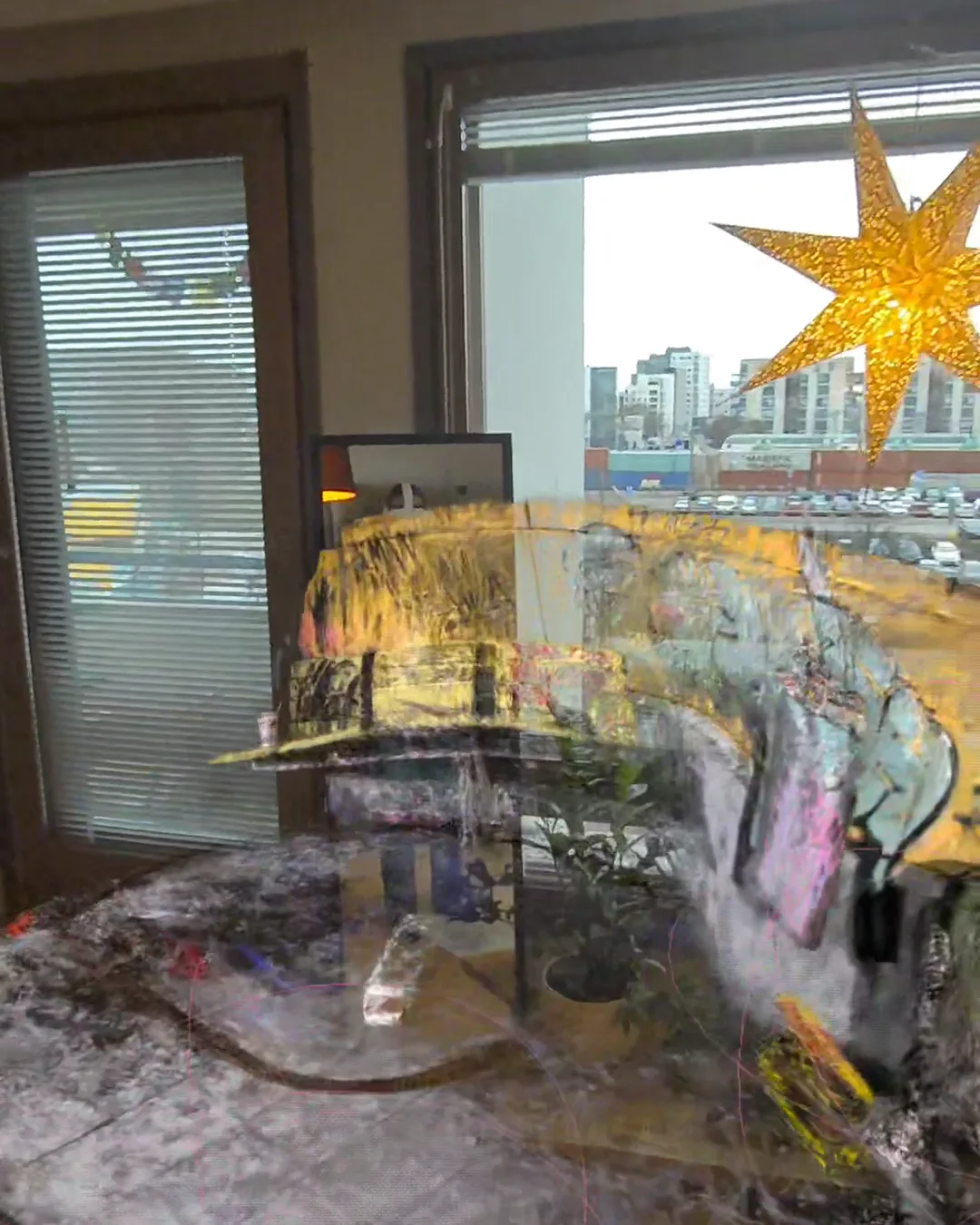
The session request changes from immersive-vr to immersive-ar, and the background must be transparent for passthrough to show. That gets the basic view working. Placement and comfortable controls still need attention.
Performance: what we watch
A headset is much less forgiving than a laptop. Drop frames on a laptop and it looks a bit choppy. Drop frames in a headset and people feel it in their stomach.
What we keep an eye on:
- Splat count. Large drone scans can contain millions of Gaussians. We trim unnecessary areas and compress the files before loading them on the headset.
- Stereo rendering. The headset needs a view for each eye. Effects and transparency can be expensive, but the cost depends on the rendering path. It isn't simply twice the desktop workload.
- Loading. People are standing there wearing a headset, waiting. Smaller files beat clever loaders.
What didn't go so well
- Testing is slow. Headset on, headset off, a hundred times a day. Meta's Immersive Web Emulator for desktop Chrome helps for the boring parts, but hand interactions you just have to try for real.
- Fast head turns smear. The recordings can show smearing during quick turns. If you're filming a demo, move slowly.
- Phones need a fallback. We don't rely on a WebXR session for the iPhone version. It gets the normal 3D view. Our product demos use a separate, device-supported method for phone AR. Headset WebXR support doesn't automatically provide that.
- Menus are hard. The first wrist menu had too much in it. We cut it down twice.
When this approach makes sense for a client
Web-based XR is a good fit when:
- you want people to try it without installing anything, for example at an event, from a QR code, or from a sales email,
- the same content should also work on a normal website for people without a headset,
- you're showing a real place: a venue, a building site, a travel destination, a museum space. Drone-scanned splats are great for this (more on that in what we've learned from drone Gaussian splatting).
A native app is still better when you need heavy offline content, deep device features, or a store listing for discoverability.
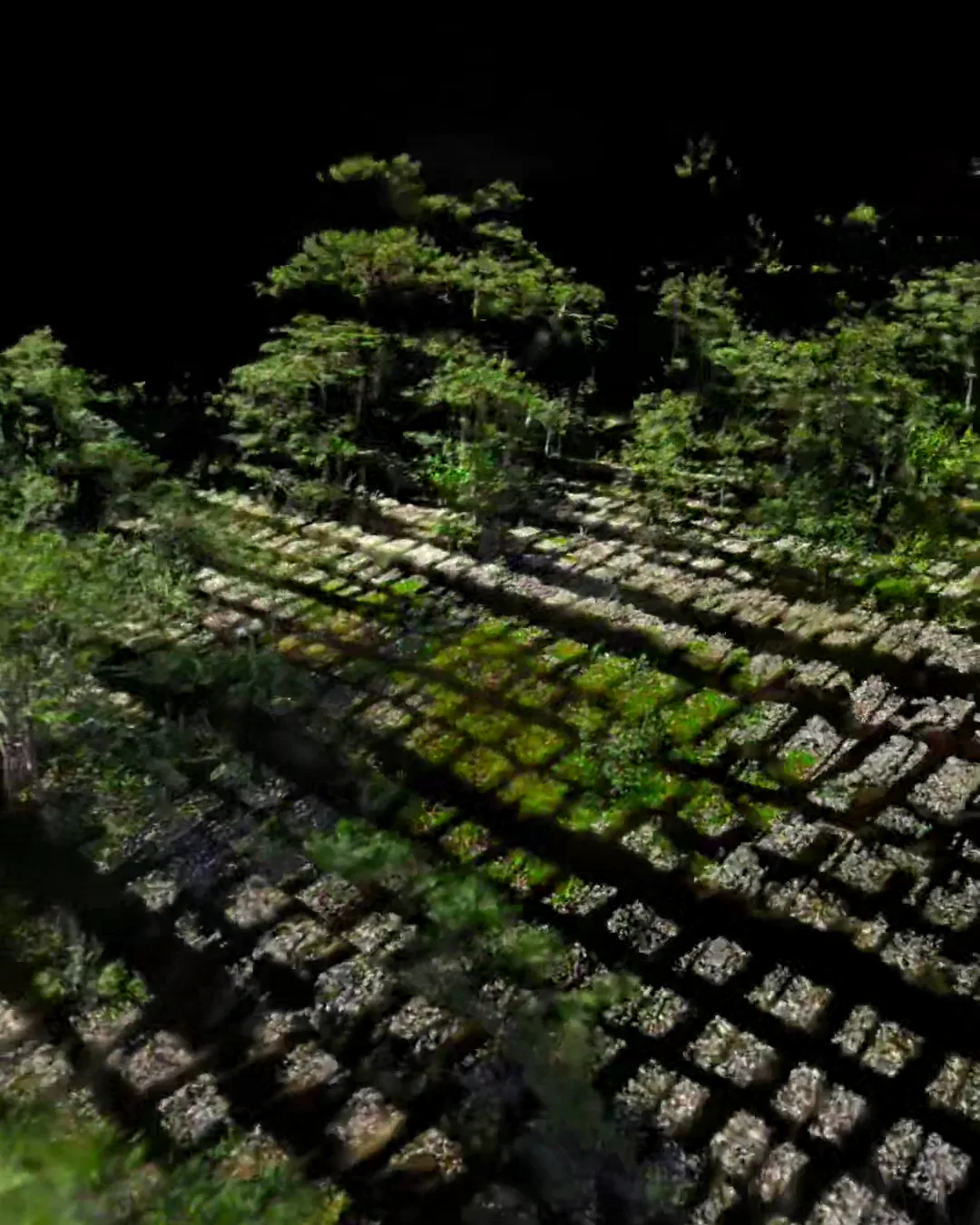
Where Splatsonia VR is now
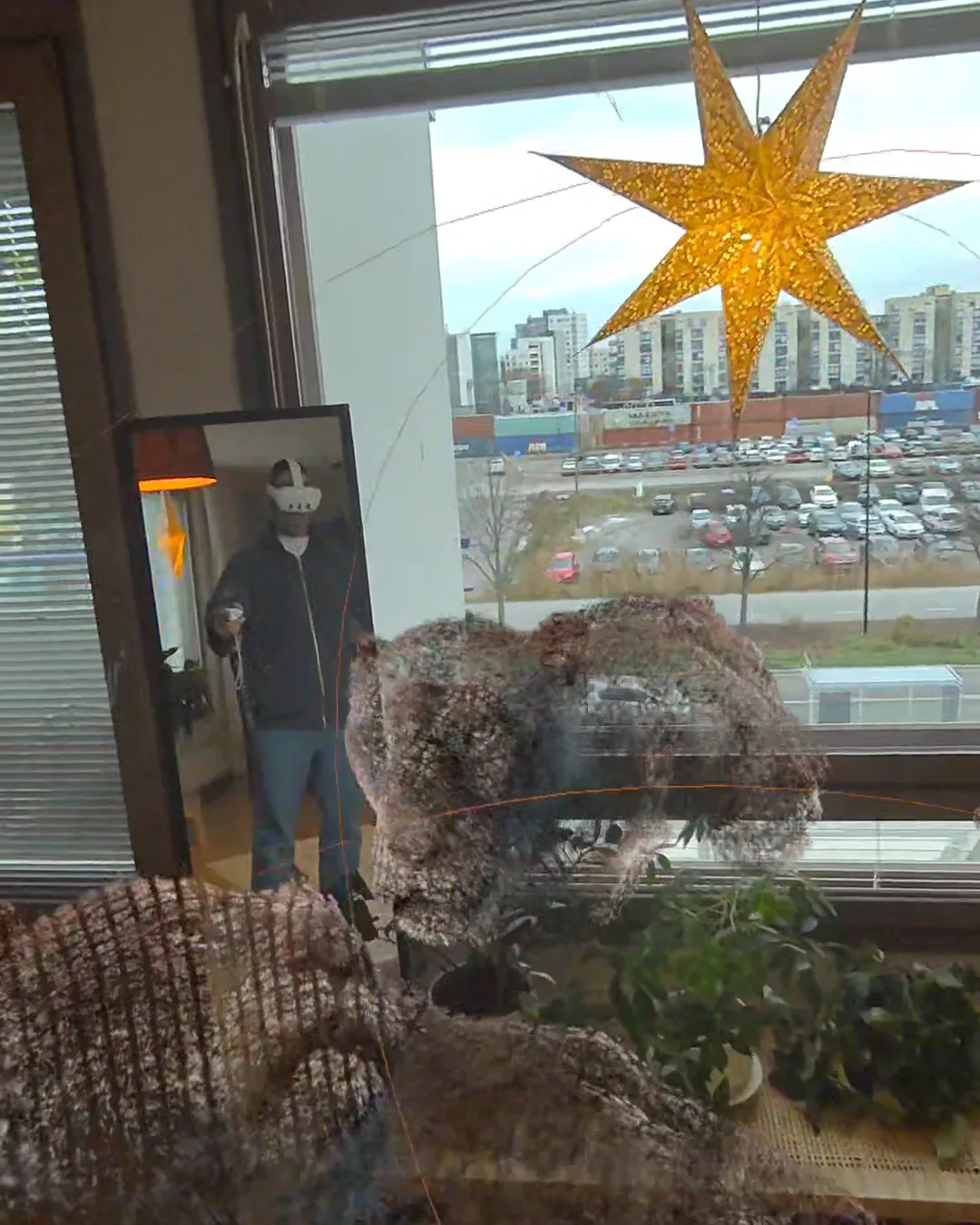
The VR and MR versions are working builds on our Quest 3, not public yet. The WebXR version is coming soon, and when it's out it'll be the same link as the desktop tool. If you want a sneak peek, or you have a place that would look great as a splat, get in touch.
FAQ
What is WebXR? A web standard that lets a website start a VR or AR session in a supported browser, like the Meta Quest Browser or Chrome on Android. It lets a compatible website start an XR session without a separate app installation.
Do I need to install an app to use a WebXR experience? Not for the browser version. Open the link in a compatible headset browser, choose the supported mode and accept the required permissions.
Which devices support WebXR? Meta Quest Browser supports VR and passthrough AR on compatible headsets. Phone AR support depends on the device and browser. Check the required session mode and features rather than assuming every phone or headset will work.
What's the difference between VR and mixed reality in WebXR? In VR (immersive-vr) you're fully inside the 3D scene. In mixed reality (immersive-ar) the 3D content is drawn on top of the real world through the headset's cameras.
Can PlayCanvas render Gaussian splats in VR? Yes. PlayCanvas renders Gaussian splats natively and supports WebXR, so a project can offer a normal browser view and a headset mode. Each target still needs performance and input testing. Compressing scenes to the SOG format keeps download sizes manageable.
Can you use our own 3D scans? Yes. We capture places with a drone and turn them into Gaussian splats, or we can work with scans you already have.
Have a scan you'd like to try?
We build browser-based 3D, AR and XR in Helsinki. Book a 30-minute call or have a look at our work.
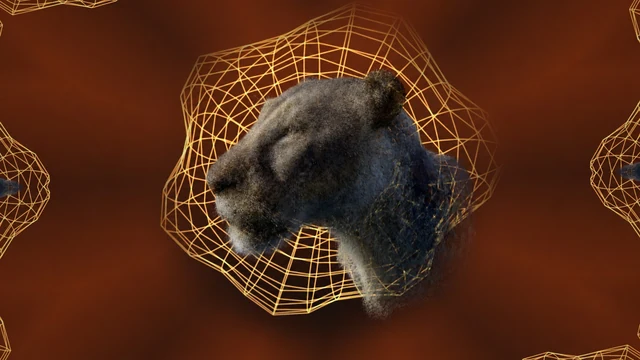
Lioness scan in Splatsonia: splat by Spenser Dickerson, source scan, CC BY 4.0. Other scans by flyAR.