
Experiments
Splatsonia: how a late-night idea turned into an audio-reactive splat visualiser
It started with "I wonder if..."
In mid-September I came across Gausseous, an audio-reactive splat manipulator. It looked great. I didn't get the hang of it straight away, and I probably should have given it more time.
Instead, I started wondering what I'd want from a tool like that myself. Plug in any audio source. Load my own splat. Pick a frequency range, say the low bass, and decide exactly what it does: make the scan pulse, shrink the splats, thin them out. Something you could switch on for a big screen at an event and let run.
So one evening I opened PlayCanvas and started prompting. The first version, which connected live audio to a splat, was running on 15 September. It got out of hand pretty quickly after that.
What Splatsonia does
Splatsonia is a free browser app that makes 3D Gaussian splats move, break apart and change colour with sound. No install, no account. It runs in a desktop browser.
- Load a splat. Drag in a
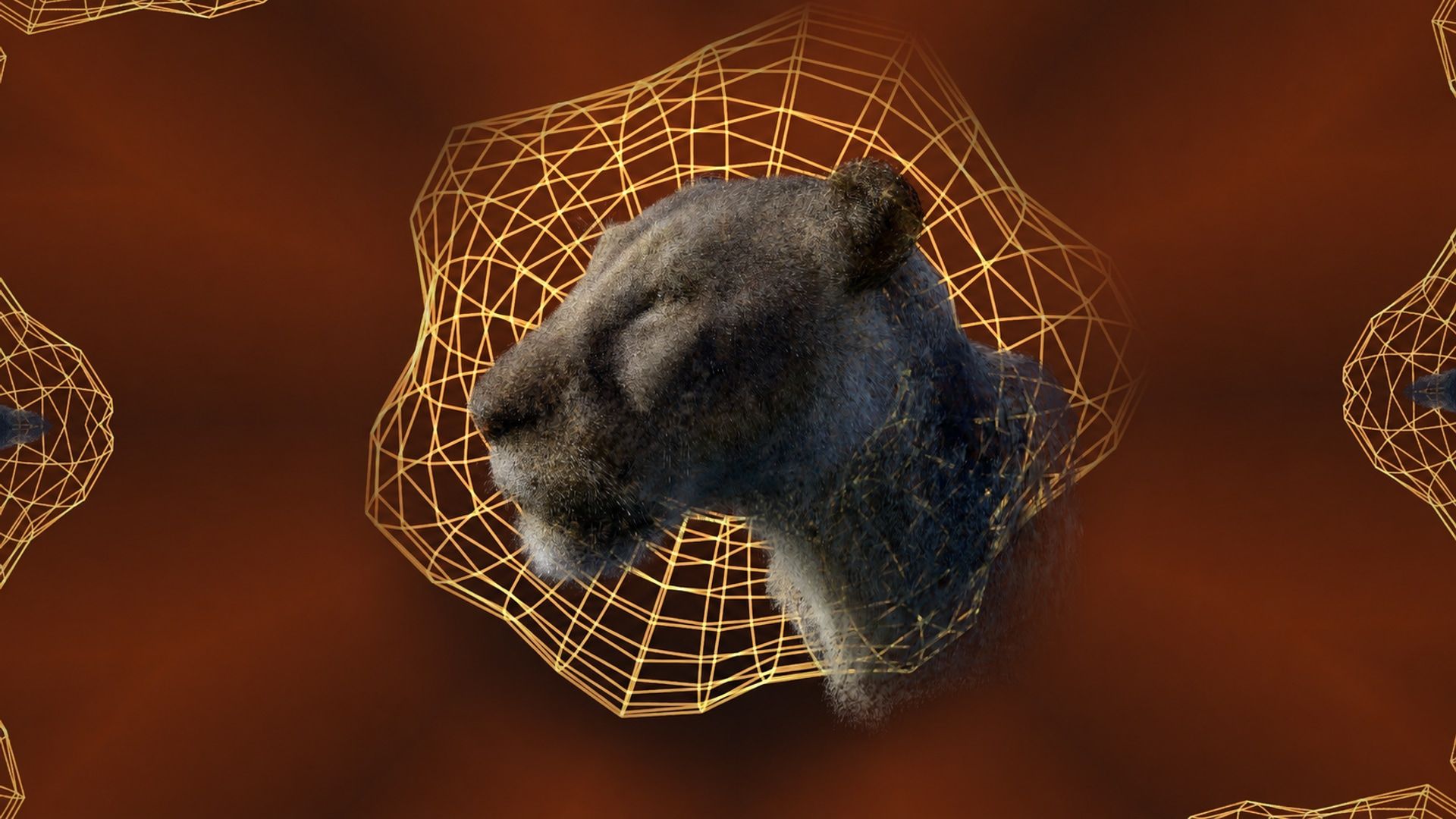
.plyor.sogfile of up to 300 MB, or use the built-in lioness scan (556,733 Gaussians, about 9 MB). - Pick a sound. A microphone or line input, an audio file, a browser tab or system audio, or the demo track.
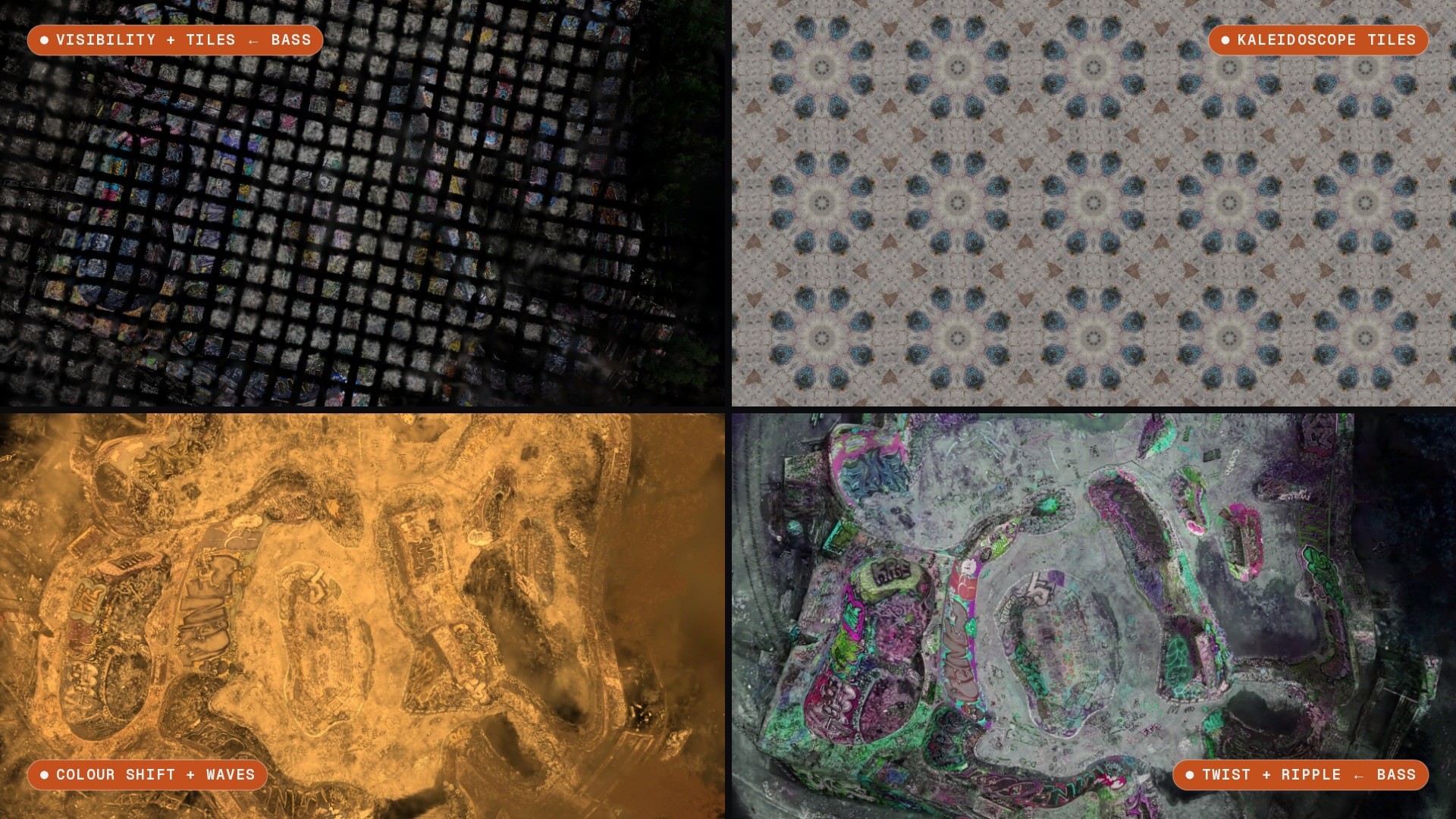
- Route it. The app splits the sound into loudness, bass, mids, treble, pitch, beats and brightness. Any of those can drive any of 55 audio-routable parameters, each with its own strength and resting value.
- Play. Waves, twists, ripples, slices, shatter, colour shifts, masks, a full-screen kaleidoscope, mirrored 3D copies and glowing wireframe shapes. Then save the look as a small JSON file.
A quick note on what it isn't: despite the flyAR name, Splatsonia isn't AR or VR. It's an interactive 3D visualiser.
How it got out of hand
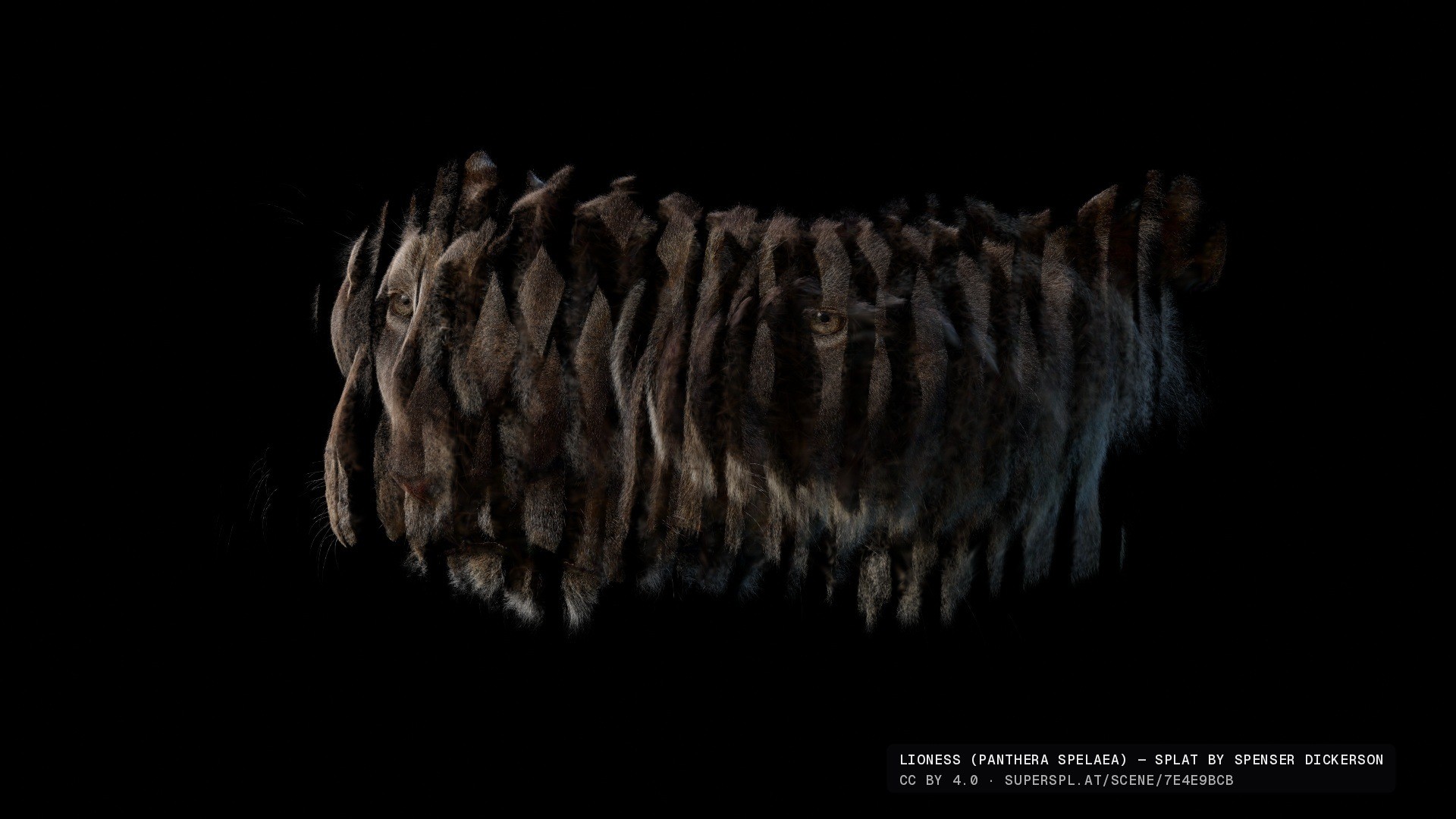
Every evening the list of ideas got longer than the list of things done. A typical chain went like this: let's add a slice effect. Now the gaps between the slices need to get bigger. The slices shouldn't all be the same width either, so we need a slice-width randomiser. And then a second slice effect, obviously.
Roughly how it went:
| When | What happened |
|---|---|
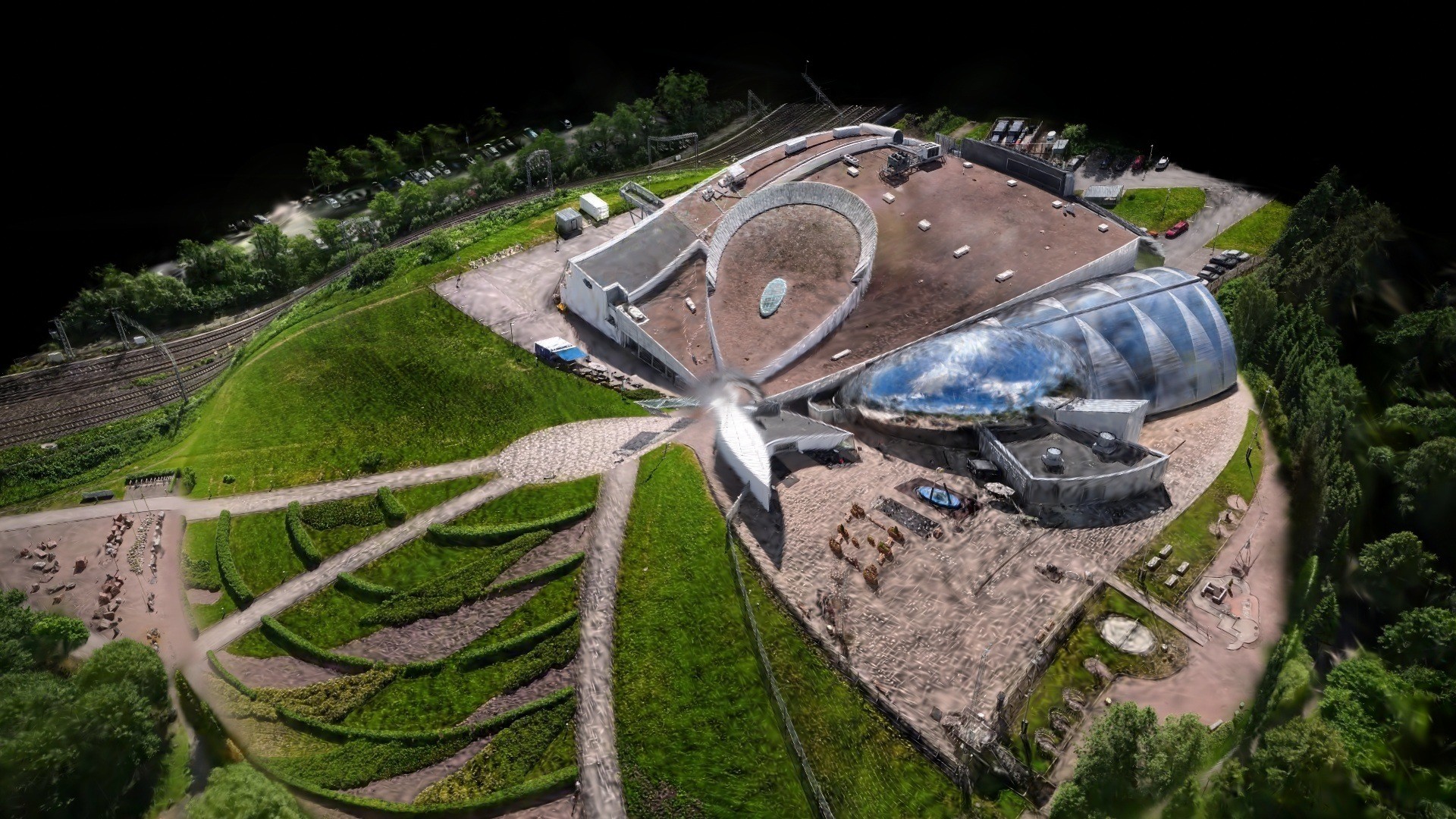
| 15–16 Sep | Live audio drives a splat. Then audio routing, spatial masks and system-audio capture, tested on a Tallinn scan. |
| 17–18 Sep | The effects explode: folds, mirrored 3D copies, tiling, a turntable, sacred-geometry experiments, waveform backgrounds. |
| 22–25 Sep | The code gets restructured. Kaleidoscope, undo/redo, masks, mobile controls, slices, shatter and wireframes arrive. The lioness becomes the default scan. |
| 26 Sep | First proper commit, and the name Splatsonia. Pop-out controls for a second screen. |
Not everything survived. Proper relighting was investigated and left out, because it needs a matching surface mesh that a splat doesn't have. An elaborate fractal background gave way to a quiet gradient plus wireframe shapes, which looks better anyway. And to be honest, the project grew faster than its architecture. There are two big files in the code that the current build doesn't even use.
Some bits still make me smile:
- Shatter looks like breaking a vase, but no new pieces are created. The existing splats are grouped into chunks and the chunks move.
- System audio in a browser means asking to share your screen. Splatsonia switches the video off straight away and only listens.
- "Listen & suggest" samples about eight seconds of audio and proposes Chill, Balanced and Wild settings. It's plain rules, not an AI listening in.
- Randomize all picks three to seven effects from a pool of 23. There's undo, with up to 100 steps, for when it picks badly.
What vibe coding was actually like
Collins Dictionary named "vibe coding" its Word of the Year for 2025: describing what you want to an AI in plain language and letting it write the code. That's pretty much how Splatsonia was made. I described effects, looked at the result, and said what was wrong.
I used both Codex and Claude, partly on purpose and partly because I kept hitting one tool's five-hour usage limit and switching to the other. Not glamorous, but it kept the evenings going.
What worked:
- Speed from idea to screen. "Slices, but with random widths" went from a sentence to a working effect in minutes. That's what let the idea pile grow so fast.
- The tedious parts. Audio analysis, beat detection, shader variants for both WebGL2 and WebGPU, undo history: all things I'd never have hand-written for a side project.
What didn't:
- Architecture doesn't vibe. Features got bolted onto features, and modules ended up wrapping each other. A proper clean-up is still on the list.
- "Done" isn't the same as tested. Phones, every browser and every effect combination haven't been tested exhaustively. The AI is confident; the devices decide.
I'm not alone in that mixed feeling. In Stack Overflow's 2025 survey of over 49,000 developers, 84% use or plan to use AI tools, but 46% don't trust the accuracy of what they produce, and nearly 77% say vibe coding isn't part of their professional work. (Stack Overflow)
My take: for an experiment like this, vibe coding is brilliant. It turned a "what if" into a working tool in a couple of weeks of evenings. For client work we use the same tools, but with a lot more review and testing behind them.
Who it's for
The best feedback so far came from a VJ friend. His reaction was roughly: wow, this is a full-fledged splat manipulator. For a small event, you could just switch it on, let the splat change every now and then, and most VJ needs would be covered.
That's the sweet spot:
- VJs and live visuals. Pop the controls out to a second screen, keep the visuals full screen on the projector, and hit Randomize when the drop lands.
- Events and installations. Your venue, your product or your city as a splat that moves with the music. A drone scan of the actual festival site on the big screen at that festival is a pretty good trick.
- 3DGS creators. Already have splats? Give them a second life with some motion and psychedelia.
- The curious. Load a splat, play your favourite song, turn a knob and see what happens.
Splatsonia is free during the open beta. Some features may become paid later, and things will keep changing while we play with it.
FAQ
What is Splatsonia? A free browser app from flyAR that makes 3D Gaussian splats react to sound. It analyses audio live and drives effects like waves, slices, colour shifts and a kaleidoscope.
Which files does it support? Gaussian splats in .ply or .sog format, up to 300 MB. For very large files, convert them to .sog first, for example with SuperSplat.
Are my splats uploaded anywhere? No. Files you load stay in your browser session. Settings are saved in the browser unless you export them as JSON.
Can I use system audio or a DJ mixer? Yes. Use a microphone or line input, an audio file, or share a browser tab or system audio where your browser and operating system allow it.
Does it work on phones? It's built for desktop browsers. There's a touch control scheme for phones, but it hasn't been fully tested on real devices yet.
Can I record a video of it? There's no built-in video export. Use screen recording for now.
Want something like this for your event?
Splatsonia started as an evening experiment. If you'd like audio-reactive visuals of your own venue for a launch or festival screen, tell us about it. We can help with the capture and the browser-based 3D.
Send us a project note or book a 30-minute call. Or just try Splatsonia and tell us what you made.