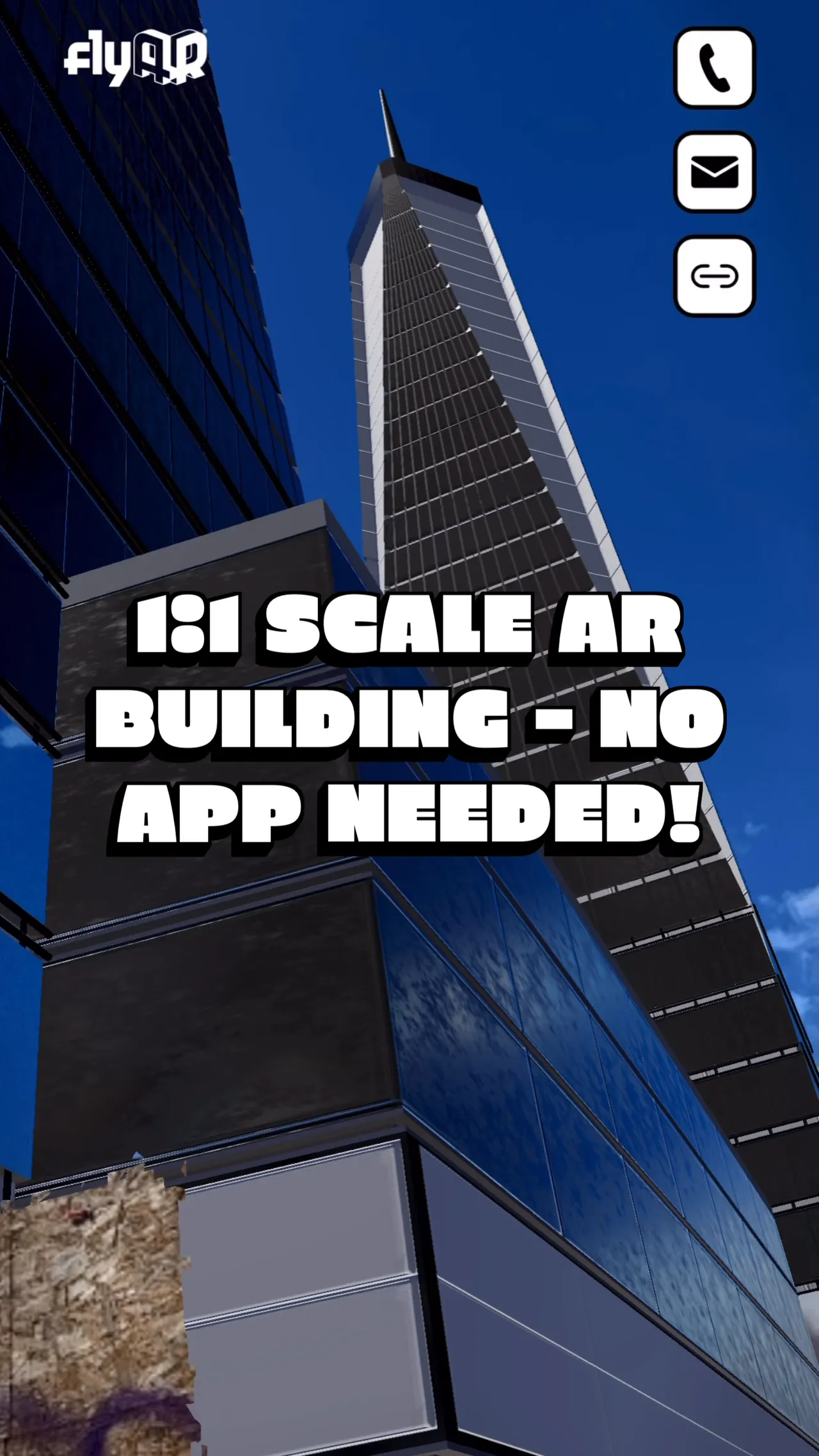
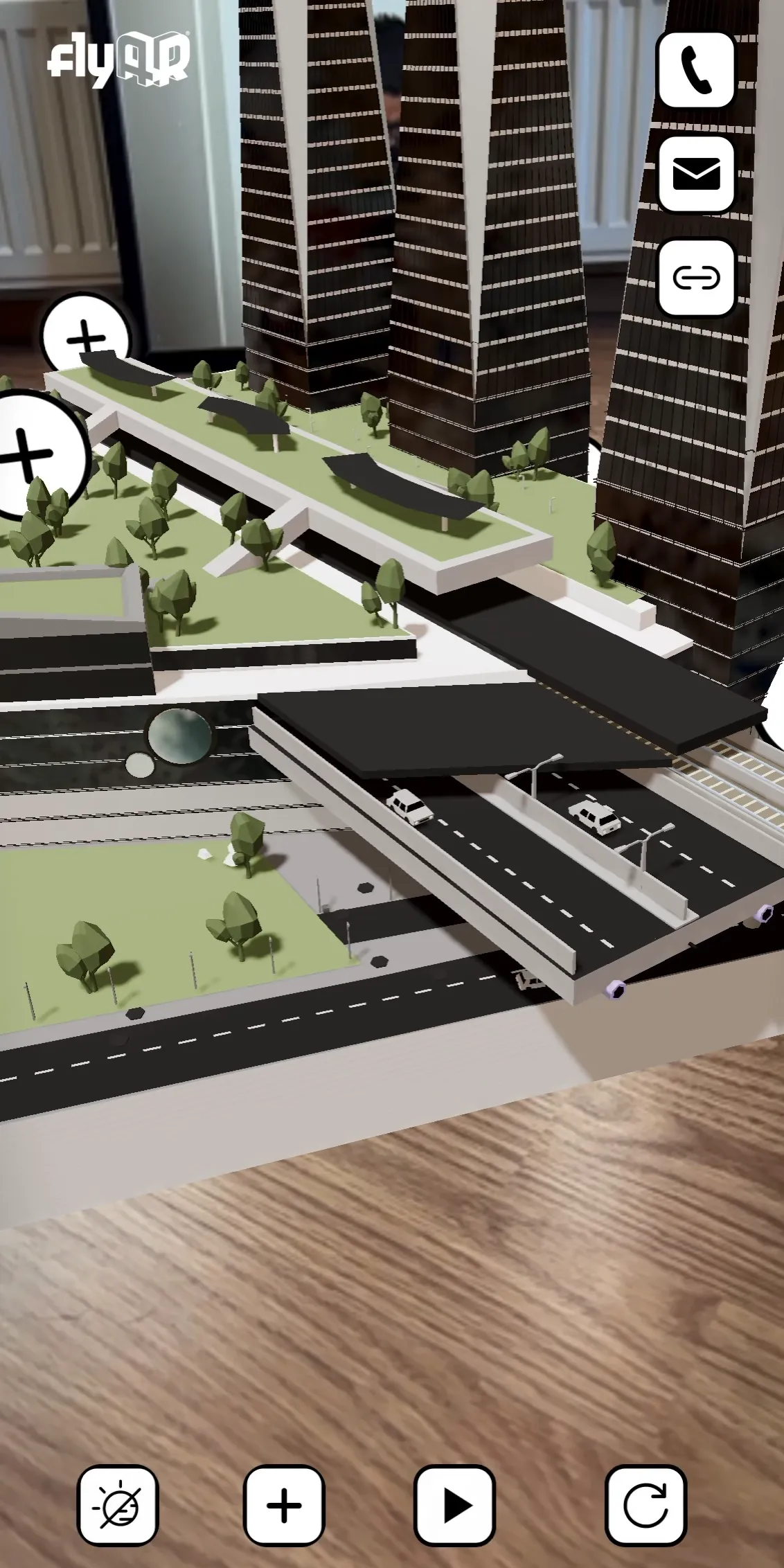
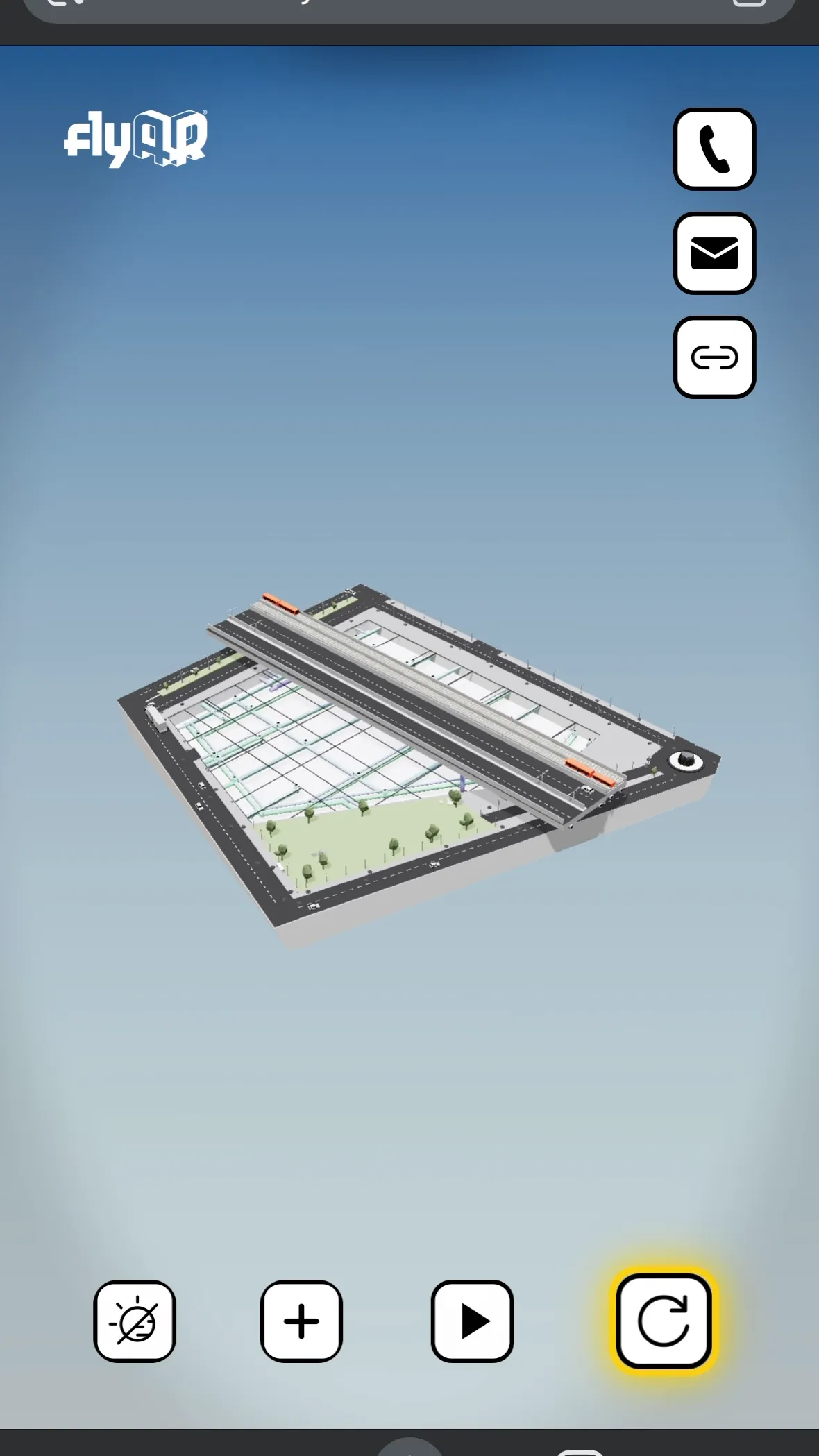
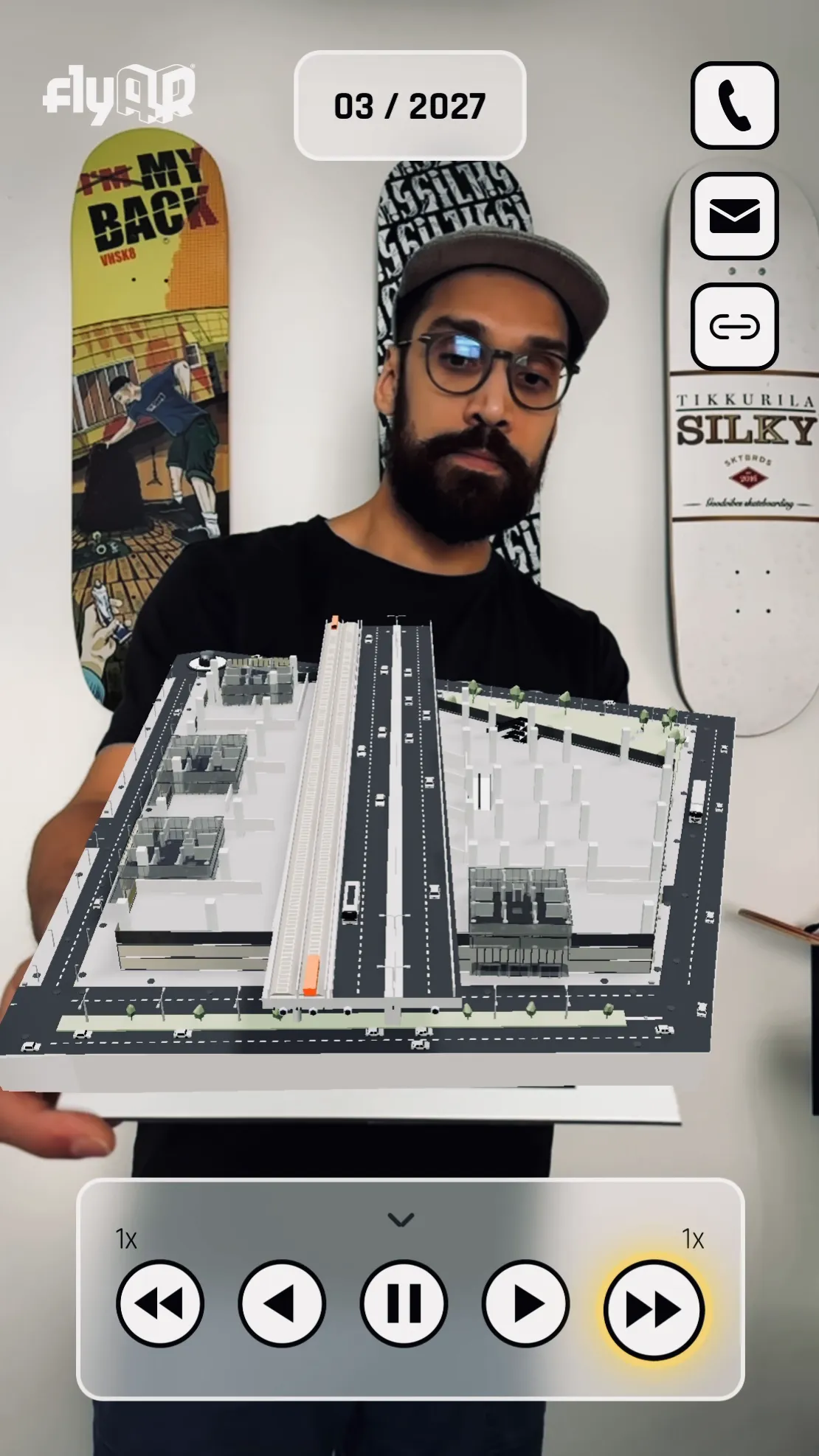
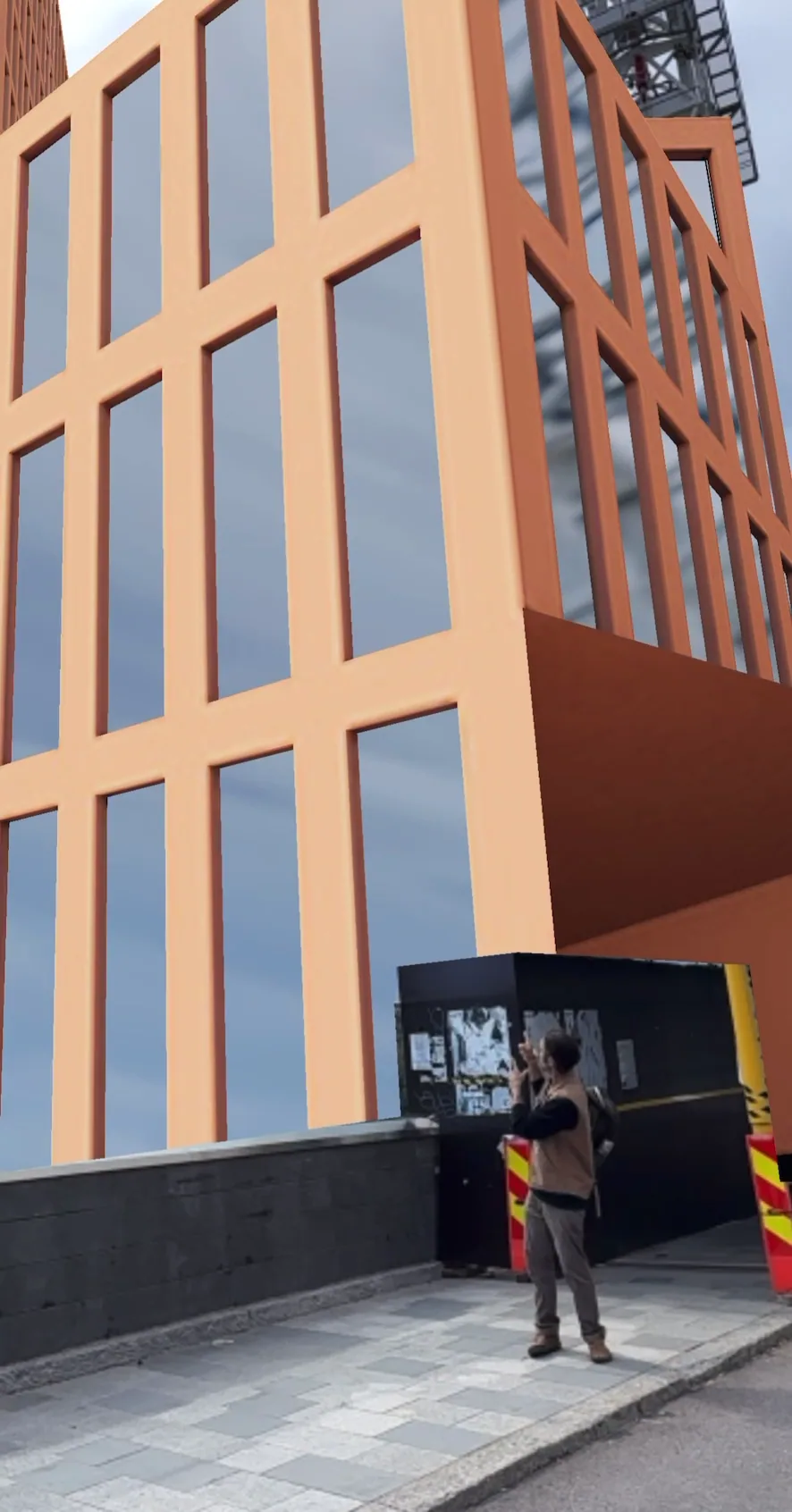
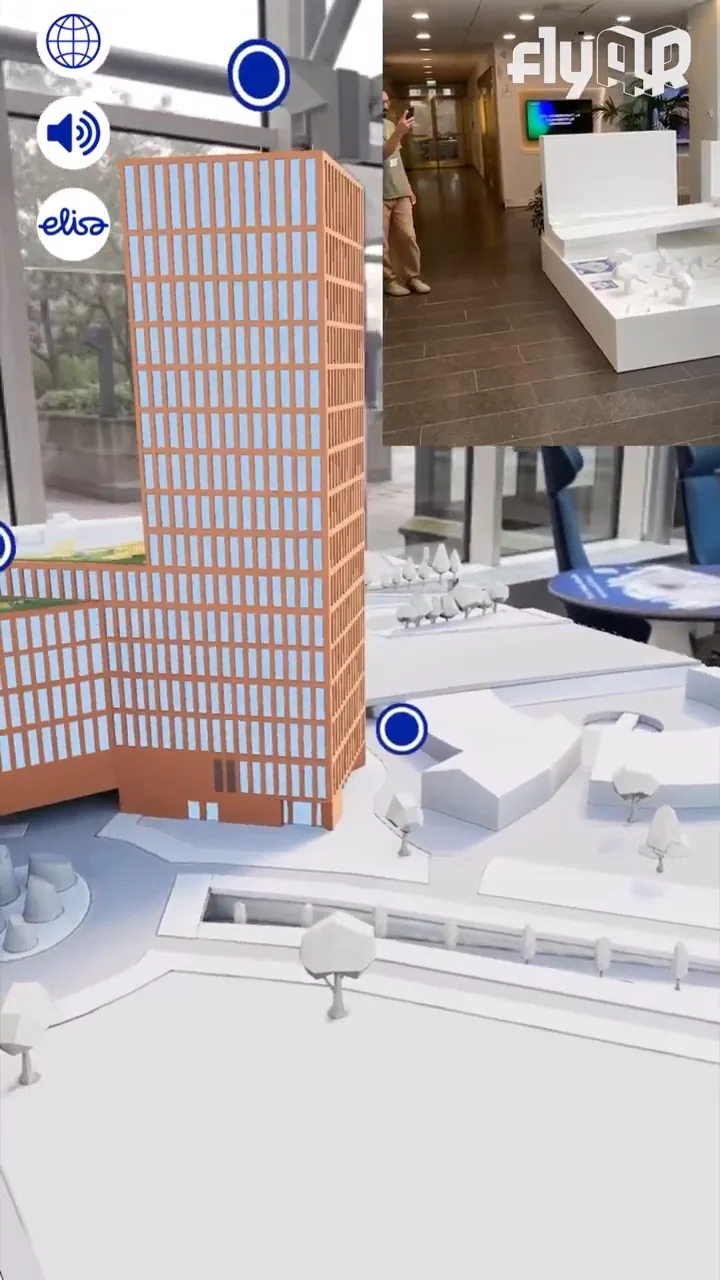
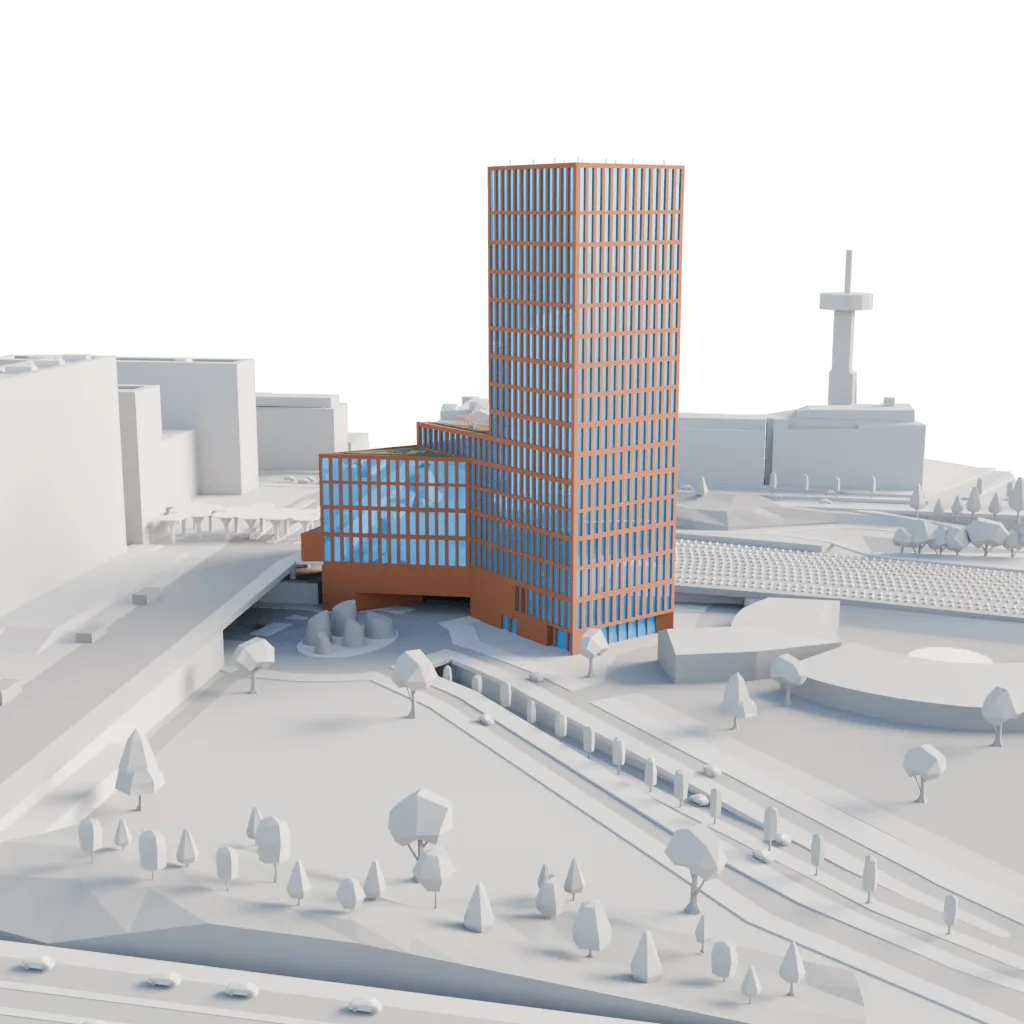
Four browser-based ways to show project scale: 1:1 AR, floor placement, web 3D, and image-tracked WebAR.
Real-scale AR view for site and stakeholder communication.
Floor-by-floor placement and context from a phone.
Online 3D version for web, sales, and internal communication.
Image-tracking WebAR from print, QR, or a physical target.
The Node real-scale AR walkthrough from the case gallery.
The Node AR layer over the physical scale model.
For who · why now
Developers, real estate marketing, leasing, infrastructure comms, and construction PMs who need non-technical stakeholders to understand a site before or during change.
What it earns the buyer
Sell, lease, or pre-let space before it is built. Enrich all communication channels; interactive XR/3D for web, print and on-site experiences.
Get faster approvals from civic, resident, and partner audiences.
Replace a one-way communication with one shareable link with interactive content.
What you get
App-free 1:1 real scale AR-views from your device in real environments. See your project live in context.
Interactive online 3D presentations for web-use, sales and proposal decks.
Browser-based WebAR digital scale model with rich interactions.
We work from what you already have.
BIM or 3D assets from your architect or design partner
A render or sales visualization
A floor plan, route, or site map
A point cloud or 3D scan
A photo of the place
Brand assets you already use
Don't have everything? Start with what you have. On the first call we'll tell you what's worth creating, and what's not.
Elisa is the future main tenant of The Node, a Helsinki skyscraper still under construction. With PunaMusta Coloro we built an app-free AR layer for the physical scale model at Elisa HQ, plus a web 3D version for internal communications.
Same six steps, adapted to each project's requirements. The first call decides where to enter and what to skip.
01
Define your project
Choose the decision the experience must support: pre-leasing, resident communication, site orientation, approval, internal launch, or on-site sales.
02
Gather the assets
Send the useful project material you already have: drawings, renders, BIM / IFC / GLB, CAD exports, floor plans, maps, hoarding-wall artwork, sales copy, brand guidelines, and site photos.
03
Prototype the real view
We make a small working version first. It will be a bit rough on the edges, but will allow you to test scale, anchoring, labels, and the buyer story before expanding the full experience.
04
Build the experience
Optimize the 3D assets, design the interface, add labels and hotspots, and make it work in-browser without asking the audience to install an app.
05
Launch where it lives
Start with the web-only version and once the functionalities are in place, extend the same interactive experience to on-site 1:1 real-scale AR and webAR-enabled print materials. Order of implementation and different versions and use-cases are up for discussion.
06
Measure and adapt
Use analytics, feedback, and sales-team observations to adjust what people see first, what information is actually relevant, and which details deserve more emphasis.
FAQ
The questions buyers actually ask. Open one to read.
Q01Do people need to install an app?+
No. Most WebAR and online 3D opens from a link or QR code on a modern phone and runs in your default browser without problems. 1:1 real scale AR and implementations that rely on visual positioning (VPS) will launch app-free as App Clips (iOS) and WebXR (Android), and we have found that iOS devices are more reliable on this.
Q02What do we need before starting?+
A defined audience, a concrete use case, a launch context, the assets you have today, a timeline, and a budget process. Drawings, renders, 3D files, maps, or brand material are all valid starting points.
Q03Why not just make a render or a video?+
Renders and video are useful. flyAR solutions are the right call when the buyer, visitor, or stakeholder needs to have a memorable interactive experience and inspect, try, or share something in context, and when that decision is worth more than a passive view.
Q04Can one asset be reused?+
Yes. That is often the point. A good AR or 3D asset supports website, sales meetings, print, outdoor, events, social, internal approvals, and later refreshes. flyAR solutions enrich all means of communication.
Q05How is this priced?+
Custom pricing starting from around 6 000 € to multiple tens of thousands. We can give you a realistic estimate after our first meeting.
Q06Which languages do you deliver in?+
Final user experiences can be created multilingually, that is something to define at the start of the project. Additional languages can also be amended to the project at later stages if required.
AppsFlyer's 2025 benchmark across 28 billion installs puts Day-1 retention at around 25%. AR apps sit below that floor, because every reviewer is a single-use case, not a habit. WebAR removes the funnel. The link that opened the experience the first time still opens it the second.
Rework runs around 12% of a typical construction budget. Peer-reviewed BIM studies in 2025 report that putting an optimised 3D model in front of stakeholders before the first pour prevents at least a third of that, and as much as half on projects that share the model early. One Asian rail case caught 3,000 design clashes and shaved 12% off construction cost on its own.
Shopify's own data, drawn from millions of stores. The 65% sits next to a 94% conversion lift on stores that add any 3D content, and a 40% drop in returns when AR closes the imagination gap. The mechanism carries from product pages to construction, museums, and brand work.